Epson ColorWorks
Print full-colour labels when your operation needs them.
From short-run badges and seasonal labels on the CW-D3800 to production volumes on the CW-C8000, bring colour, variable data and operational information together in one workflow.
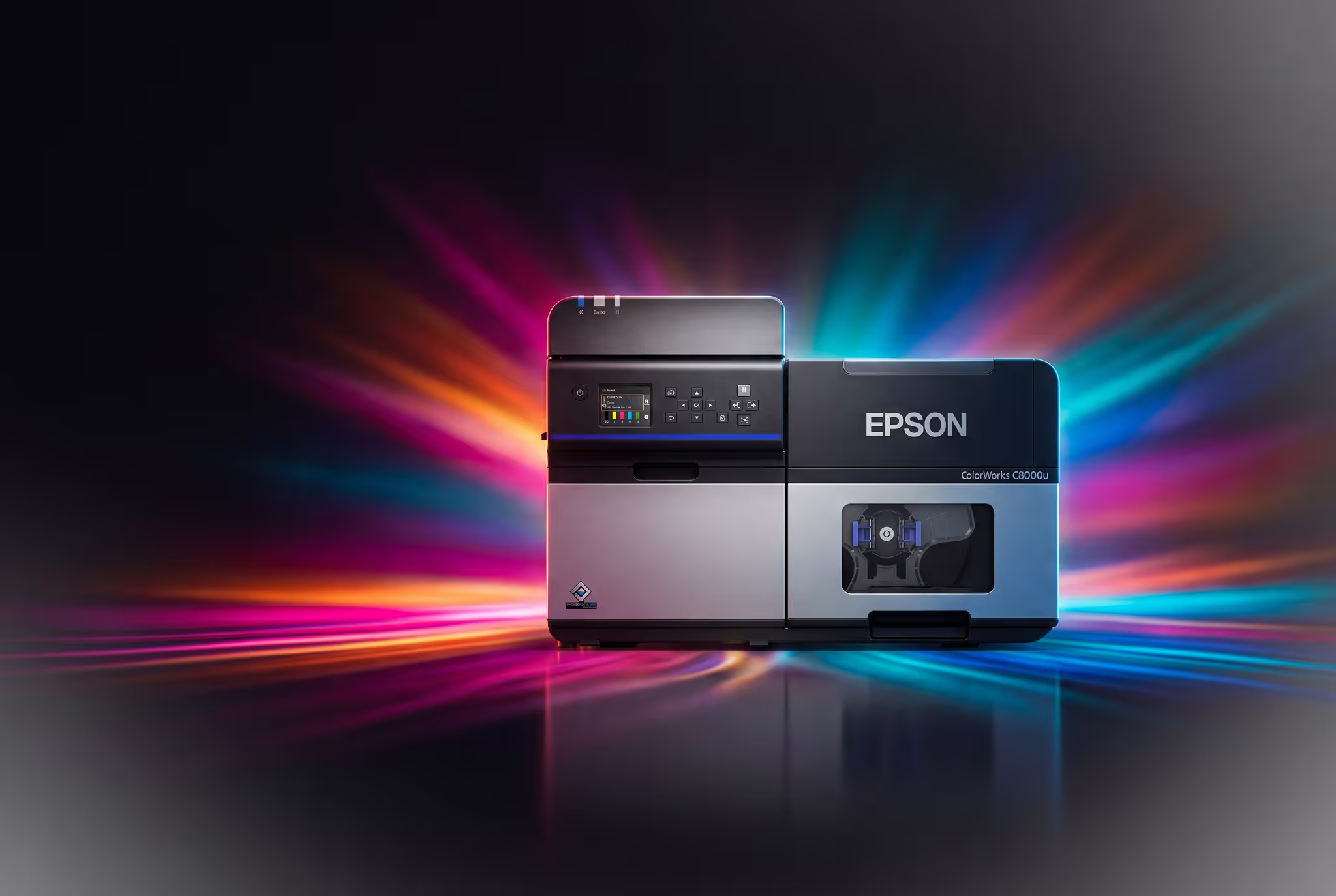
Campaign of the month
Featured campaign
Good is never enough. Magnify your brand with colour.
Why on-demand colour changes what a label can do for the product it is on.
Why colour
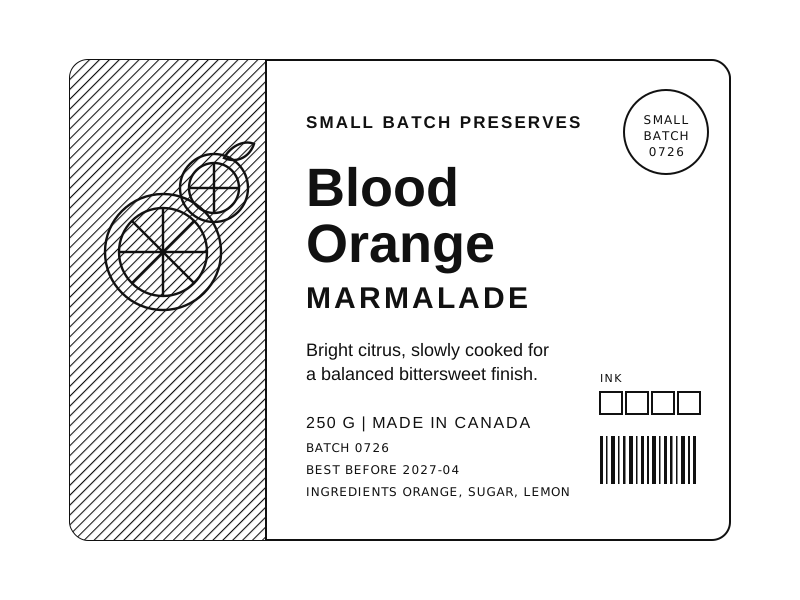
A mono label identifies. A colour label instructs.
Pre-printed colour stock locks you into a design, a minimum order and a lead time. Printing colour on demand removes all three, and it lets the label carry information that black on white cannot: hazard class, product variant, routing, status, grade.
01
Full colour in one pass
Graphics, text and variable data print together on blank media. No pre-printed stock, no second application step.
02
Change the design the same day
Move between SKUs, short runs and label versions without ordering a new colour roll. Short runs stop being uneconomic.
03
Pigment ink survives the job
GHS and BS 5609 chemical labelling from the CW-C4000 up, where a dye print would not last the exposure.
Direct thermal, mono
ColorWorks, full colour
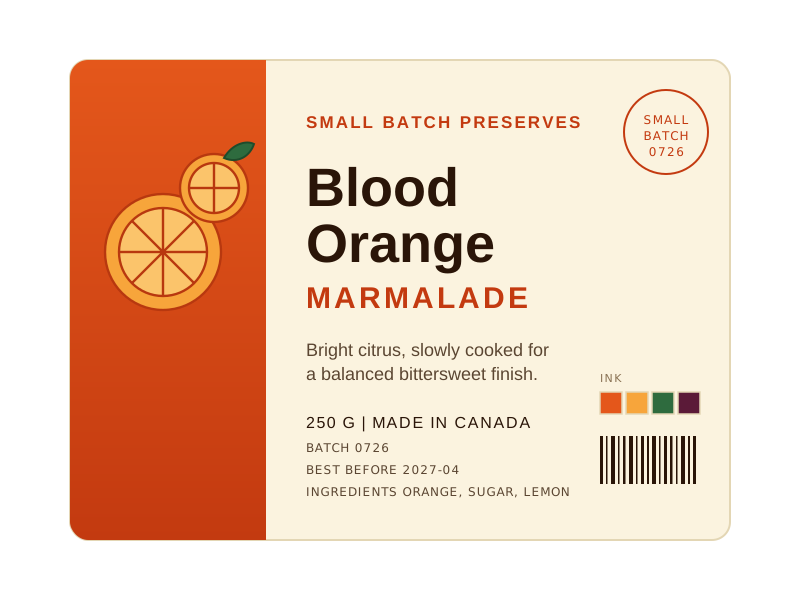
The same artwork, printed two ways. Both are rendered illustrations, not photographs. Same copy, same layout, same dimensions, so the only thing that changes is what the label can tell the person holding it.
Find your printer
Choose by the way your operation prints.
Five models, and the honest differences between them. Width is rarely the reason to move up the range. Ink chemistry and throughput usually are.
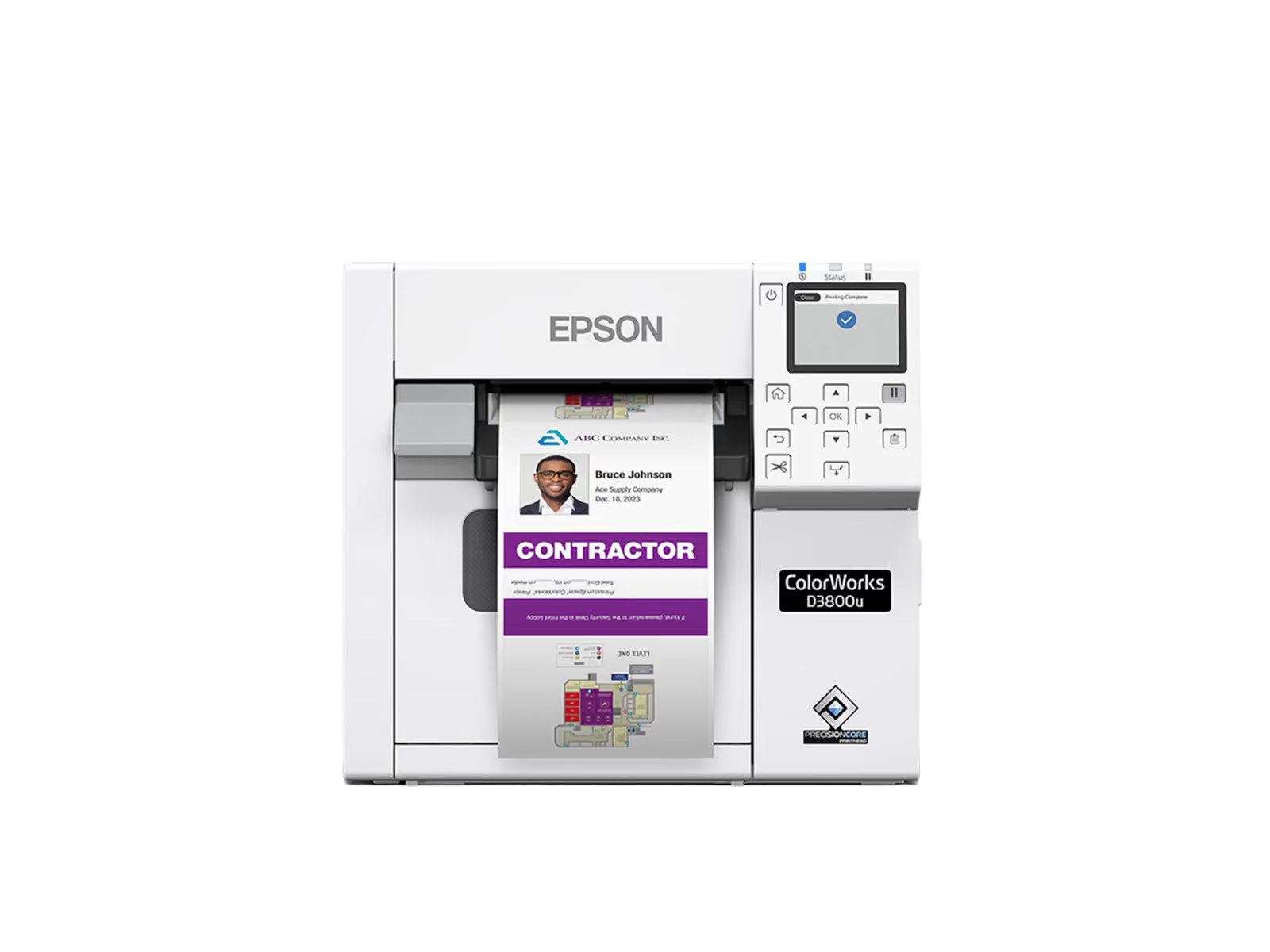
Epson ColorWorks CW-D3800
Entry-level dye-ink colour printer for visitor badges and low-volume label runs.
Visitor badges, wristbands, seasonal and short-run labels
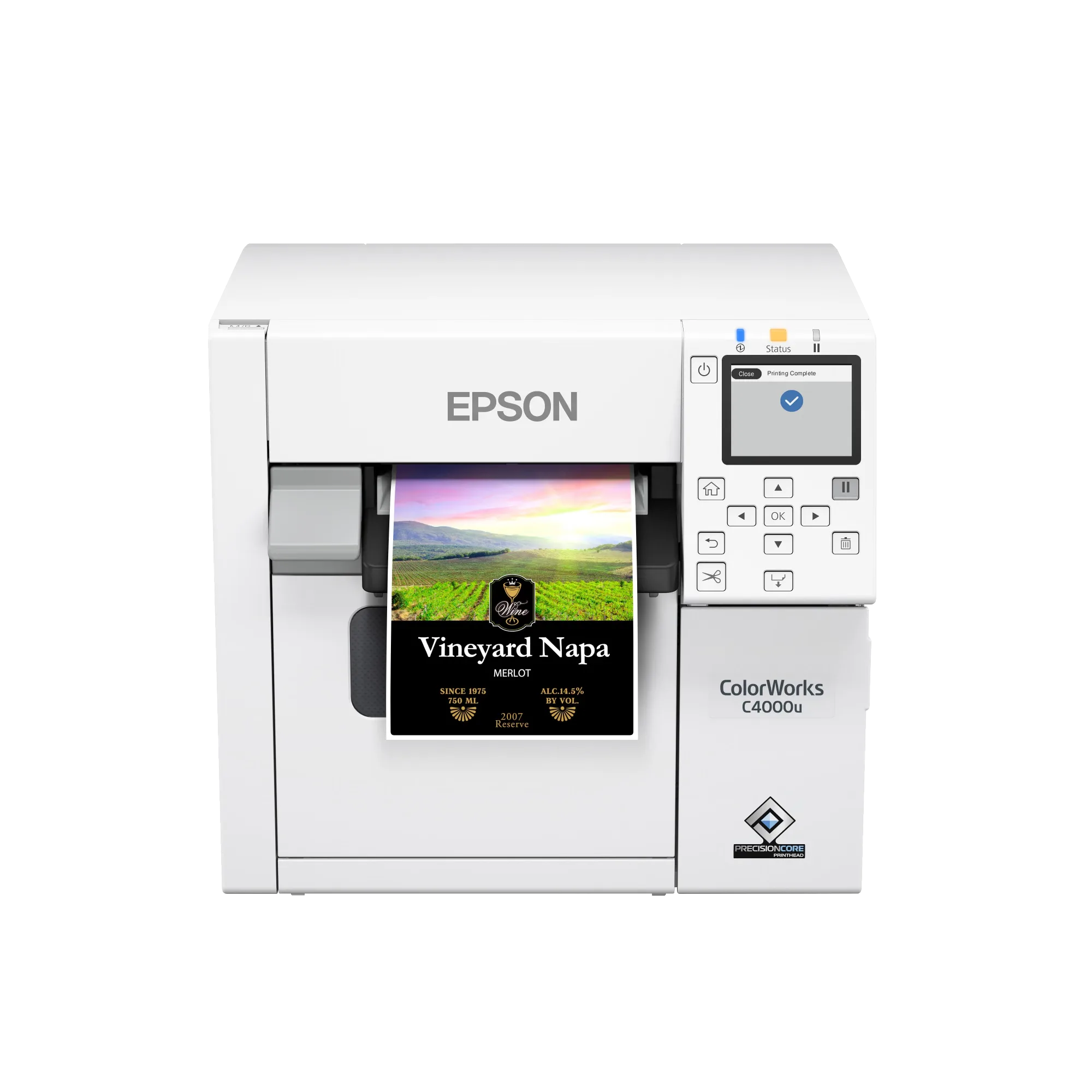
Epson ColorWorks CW-C4000
Compact pigment colour printer, including GHS and BS 5609 chemical labelling.
On-demand colour labels, GHS and BS 5609 chemical labelling
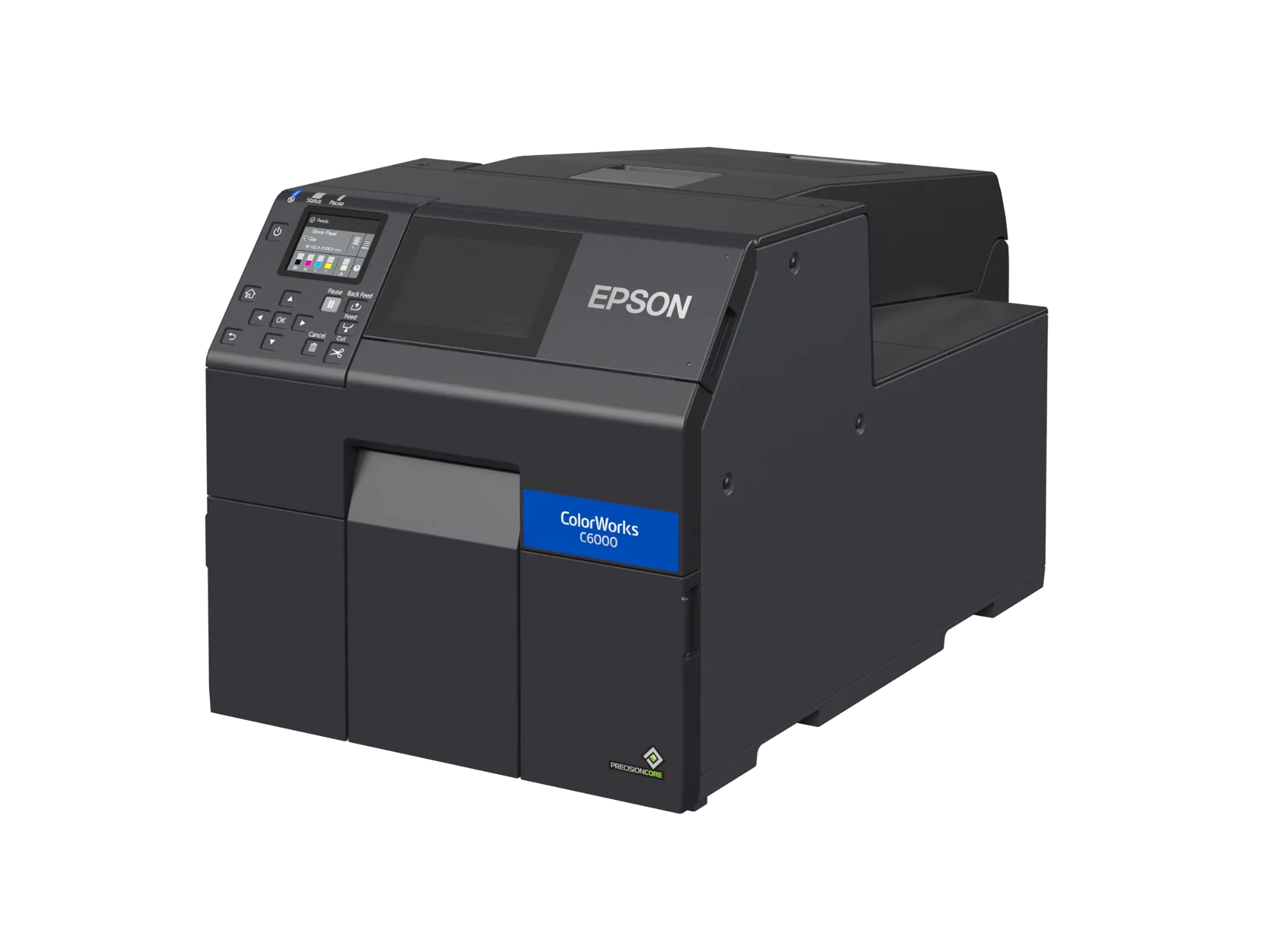
Epson ColorWorks CW-C6000
Four-inch pigment colour printer for operations moving off monochrome thermal transfer.
Replacing 4 in monochrome thermal transfer with colour
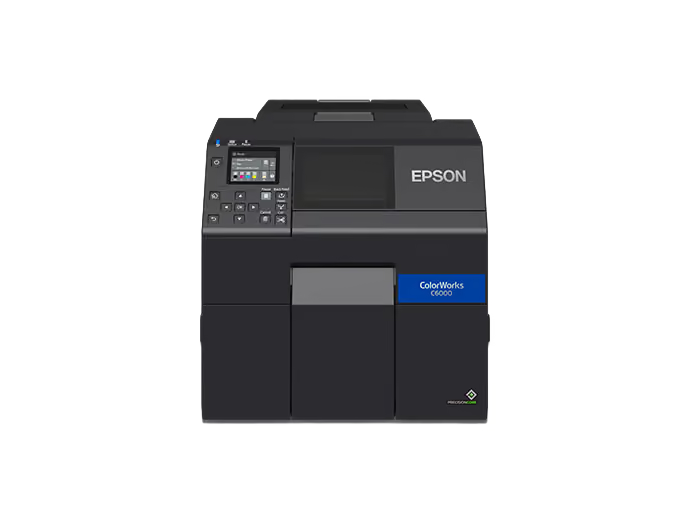
Epson ColorWorks CW-C6500
Wide-format colour printer that replaces preprinted stock in production.
Wide colour labels replacing preprinted stock in production
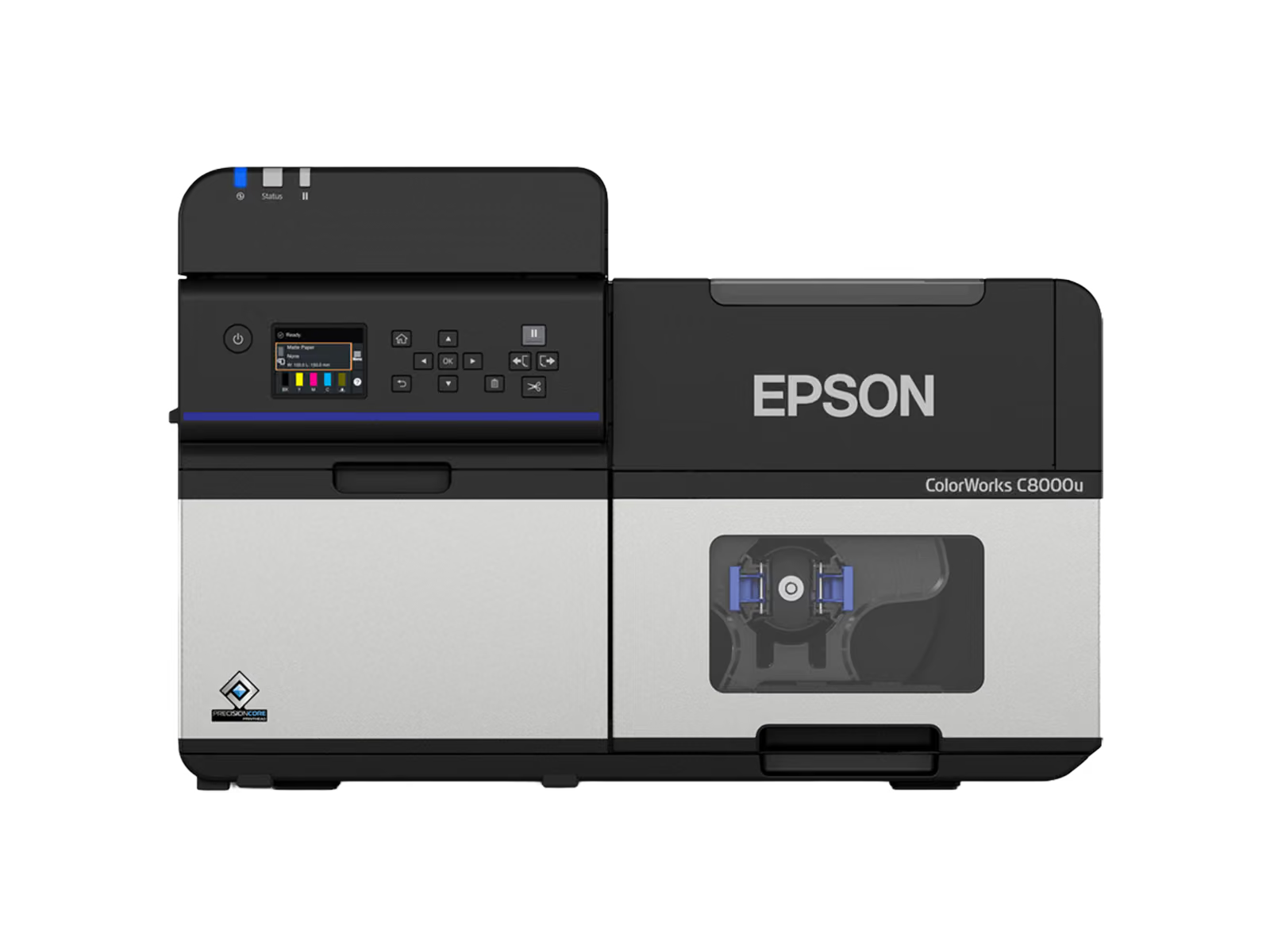
Epson ColorWorks CW-C8000
High-speed line-head colour printer for mid to high volume batch label runs.
Mid to high volume batch colour label production
Buy it now, or send us the label first
If the model is settled, the store takes it from here. If the label is the part you are unsure about, the plan builder further down takes the artwork and a specialist reads it before anyone quotes.
The printer is the easy part.
Anyone can sell you a ColorWorks. What decides whether it earns its place is the media under the ink, the service behind it, and whether your systems can trigger a print without someone re-keying a label.
The label has to survive the job
ColorWorks output is only as good as the stock under it. We match facestock, adhesive and topcoat to the ink chemistry, the surface and the conditions the label has to last through.
Technicians across Canada
Contracts, parts and field technicians across Canada, so a failed printer is a service call and not a stopped line.
Printing your systems trigger
Directed picking, live inventory and scanned handovers, with the label coming off the printer because the system asked for it rather than because someone re-keyed it.
Reorder without starting a quote
Four of the five ColorWorks models sit on our online store with live pricing, so a repeat order does not have to go back through purchasing.
Colour is not decoration on these labels.
Each of these is a job where a monochrome label costs somebody time, stock or a compliance argument. That is the test worth applying before you buy a colour printer.
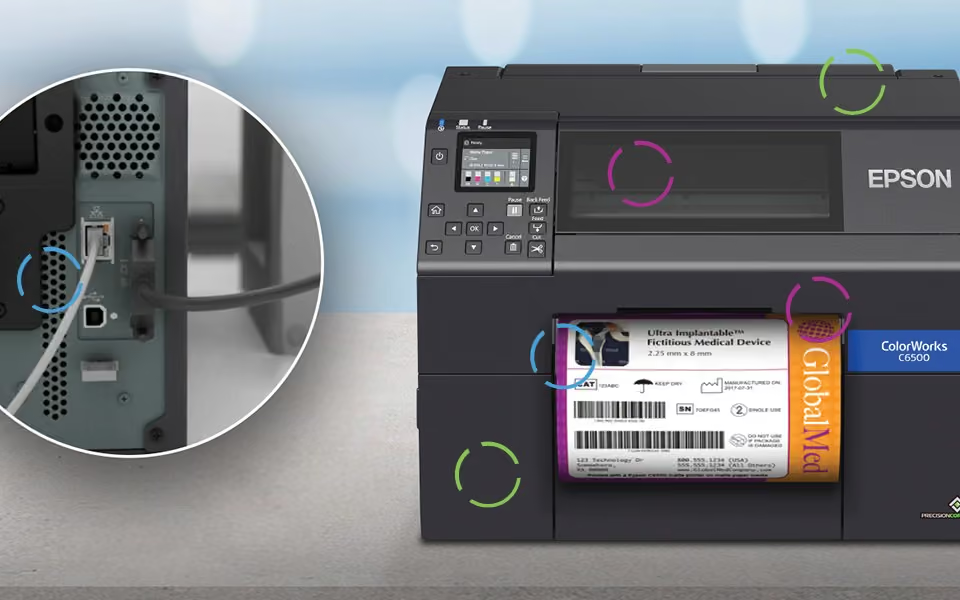
Device, specimen and lab labels
Barcode, lot and colour coding on one label printed at the bench, so a sample is identifiable by eye as well as by scanner, and a short run does not wait on a print order.
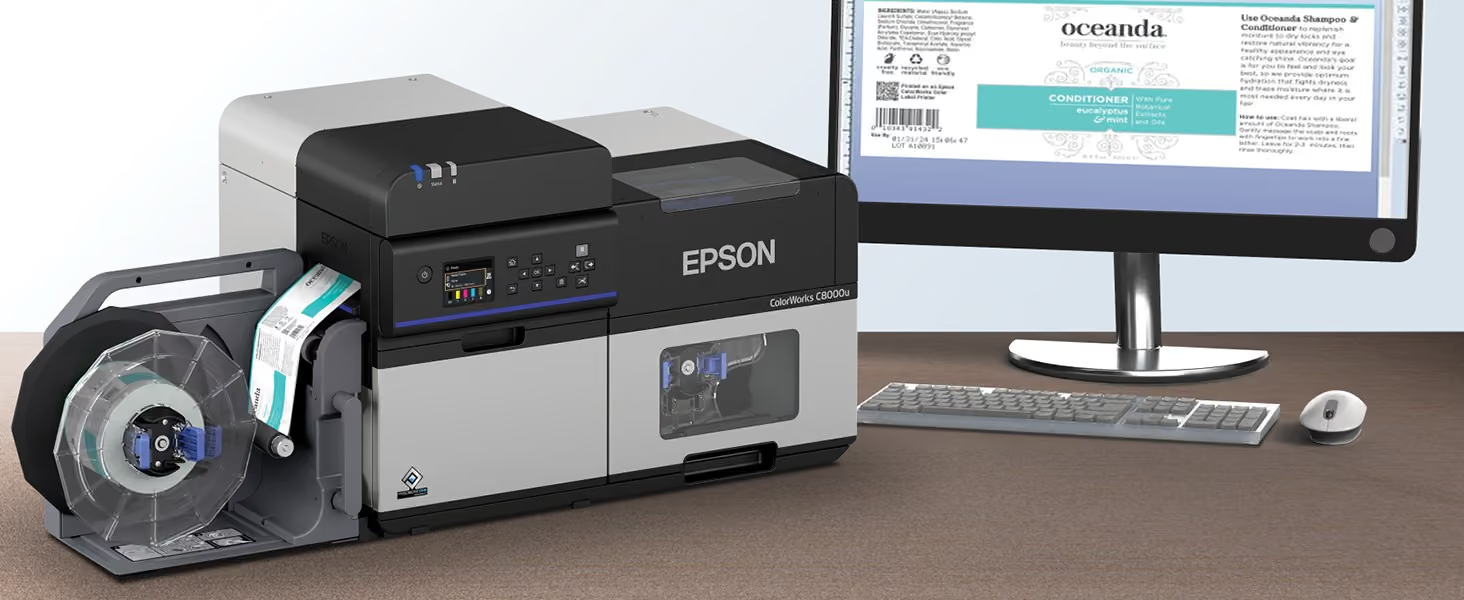
Artwork to printed label, same day
A design change is a new file rather than a new print run. Proof it on screen, print one, and change it again tomorrow without writing off pre-printed stock.
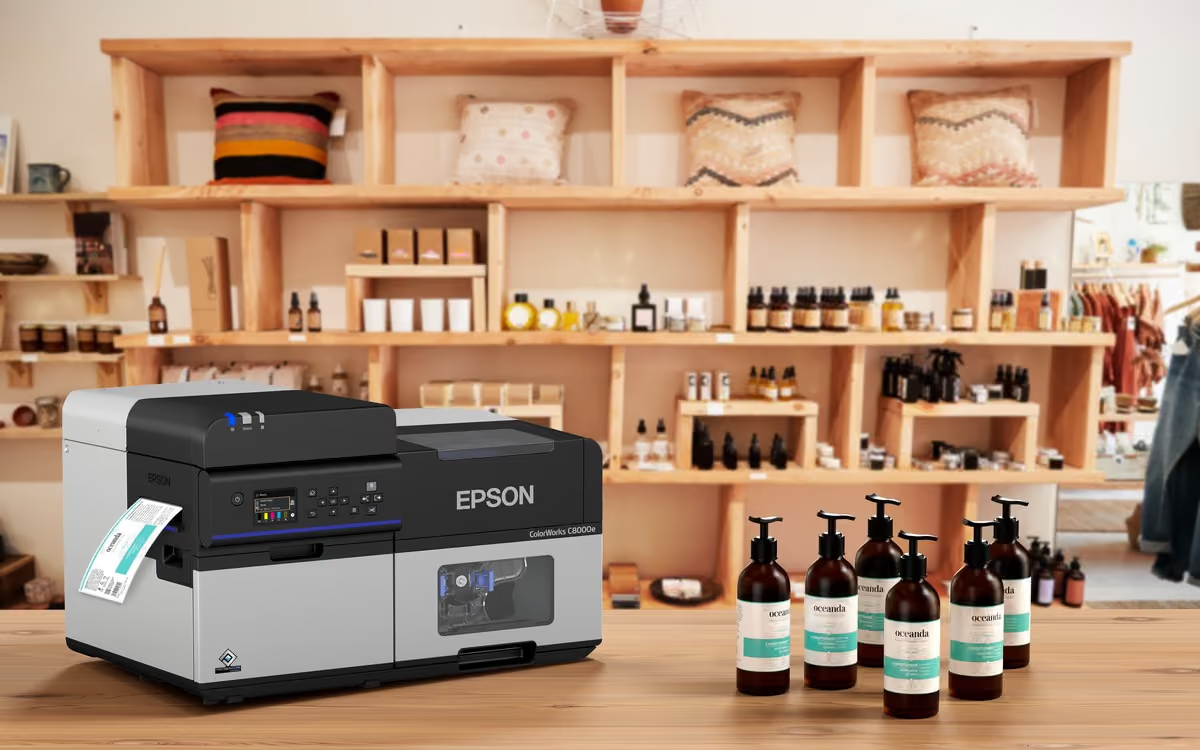
Short runs and seasonal variants
Private label, limited editions and pack changes printed as ordered, so a new SKU does not start with a minimum order of pre-printed rolls.
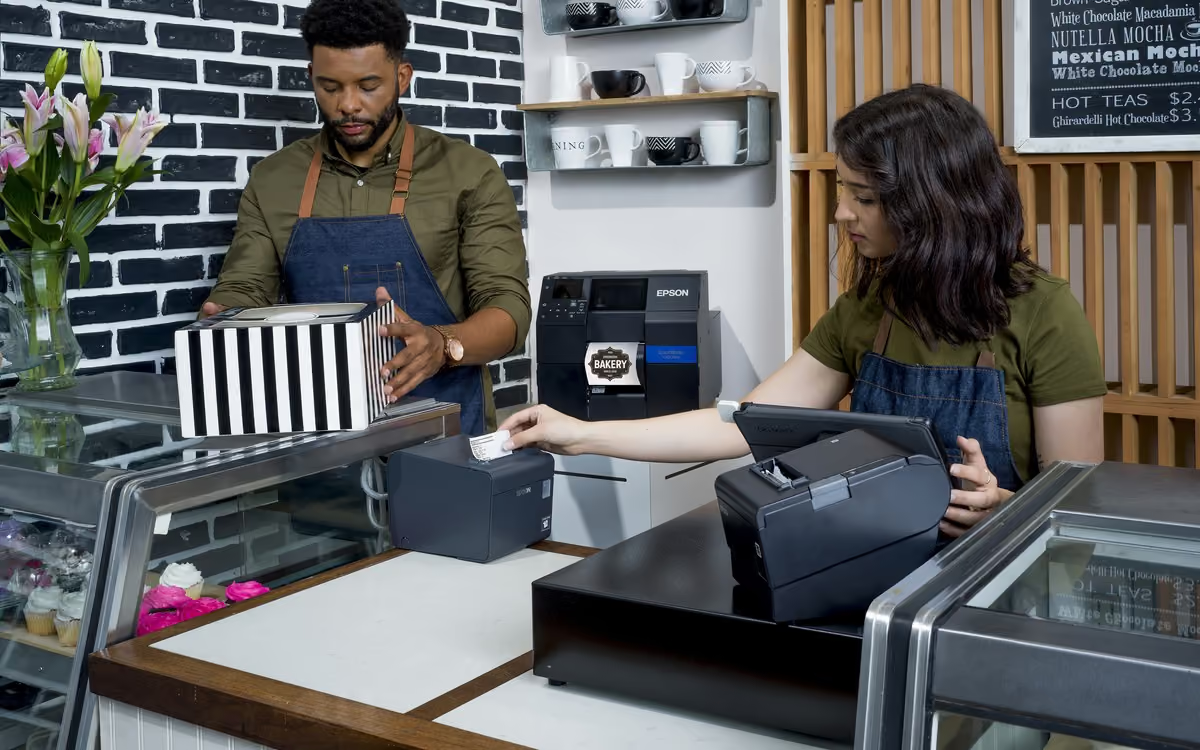
Ingredients, allergens and dates
One label carries the panel, the allergen flags and the date code, with colour doing work that used to need a second pre-printed layer.
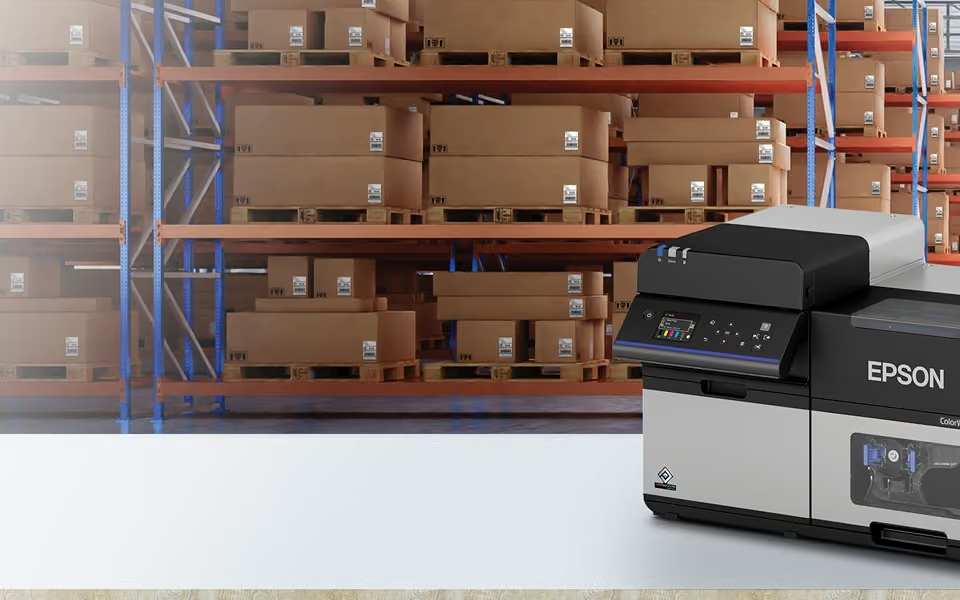
Status a picker reads across the aisle
Zone, priority and exception colour-coded on the label itself, so the aisle is legible by eye before anything is scanned.
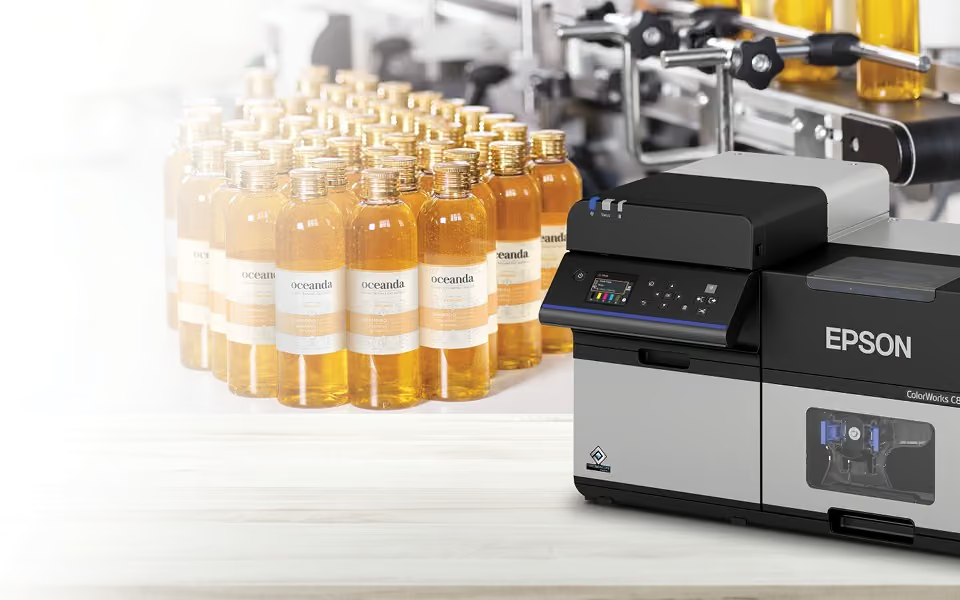
Lot and origin at the point of pack
Batch, lot and origin printed when the product is packed, so the label matches what actually went into the box rather than what was forecast.
The questions that come up before the quote does.
If yours is not here, put it in the plan builder below. A specialist answers it in writing rather than sending a brochure.
Ask yours in the plan builderWhich ColorWorks model should we be looking at?
It depends on how much you print and what the label has to survive, not on the size of your company. The finder above sorts the range by the way an operation prints. If you are between two models, describe the label in the plan builder and a specialist sizes it for you.
Do we still have to order pre-printed colour stock?
No. Graphics, text and variable data print together on blank media in one pass, so there is no pre-printed roll to order. That removes the minimum quantity, the lead time, and the obsolete stock you write off every time the design changes.
Will the labels survive the conditions they end up in?
That is a media question as much as a printer one. Pigment ink from the CW-C4000 up supports GHS and BS 5609 chemical labelling. We match facestock, adhesive and topcoat to the ink chemistry, the surface and the conditions the label has to last through, and that pairing is written into the spec you get back.
Can the printer be driven by the systems we already run?
Yes, and that is the half of the job worth getting right. The label should come off the printer because a system asked for it, not because somebody re-keyed it. Tell us what runs on your floor now and it goes into the recommendation.
What does support look like once it is installed?
Contracts, parts and field technicians across Canada, so a failed printer is a service call rather than a stopped line.
Can we just buy one outright?
Yes. Every model on this page links through to the Ahearn store. If you already know the model and the media, that is the shortest route. If you do not, the plan builder will get you there faster than guessing will.
Tell us the label. We will size the printer.
Start with the label, not the model number. Send the artwork if you have it, and a specialist comes back with the printer, the media construction and a price, with the assumptions written down.
We read what you sent
A specialist, not a queue. Usually the same working day.
We ask about the surface
Volume, substrate, environment, and what already runs on the floor.
You get a spec and a number
The model, the media construction and a price, with the assumptions visible.
Start your spec
A specialist reads every one of these. Describe the label and the environment, not a job title, and you will get a spec back rather than a brochure.
We use what you send to answer your question. We do not sell or share it.