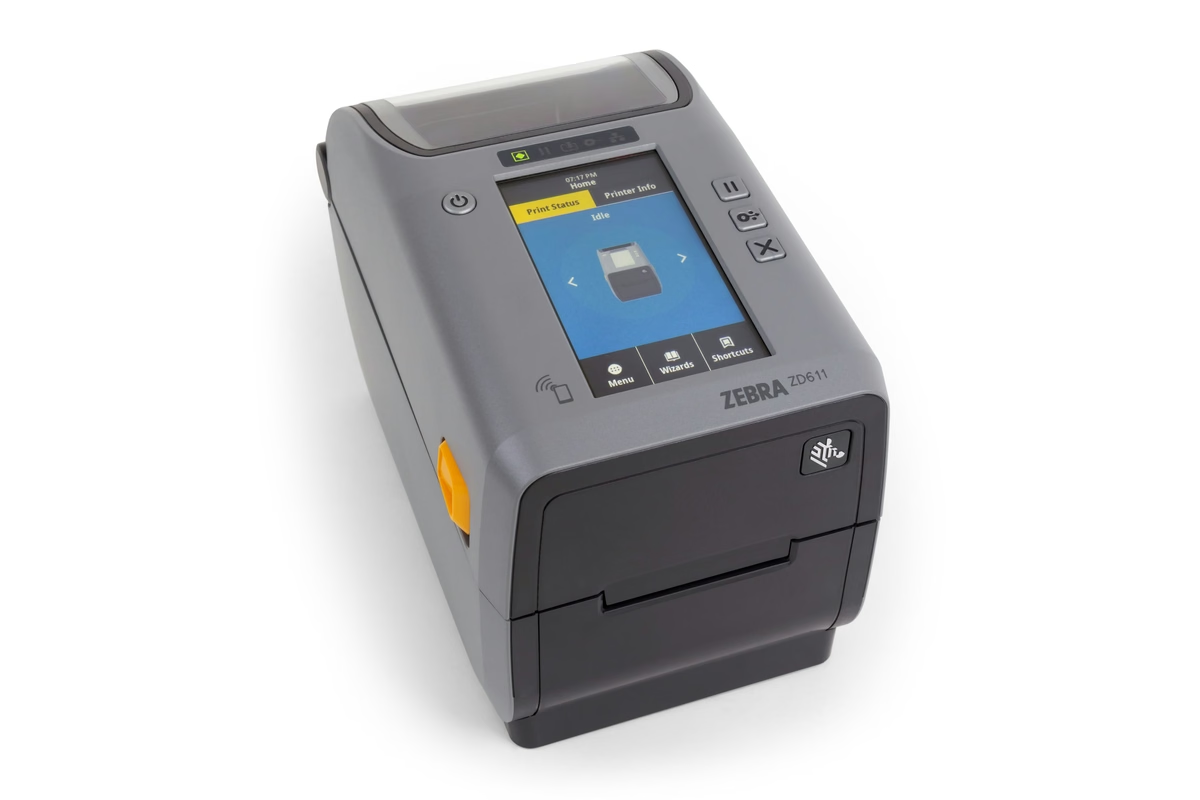
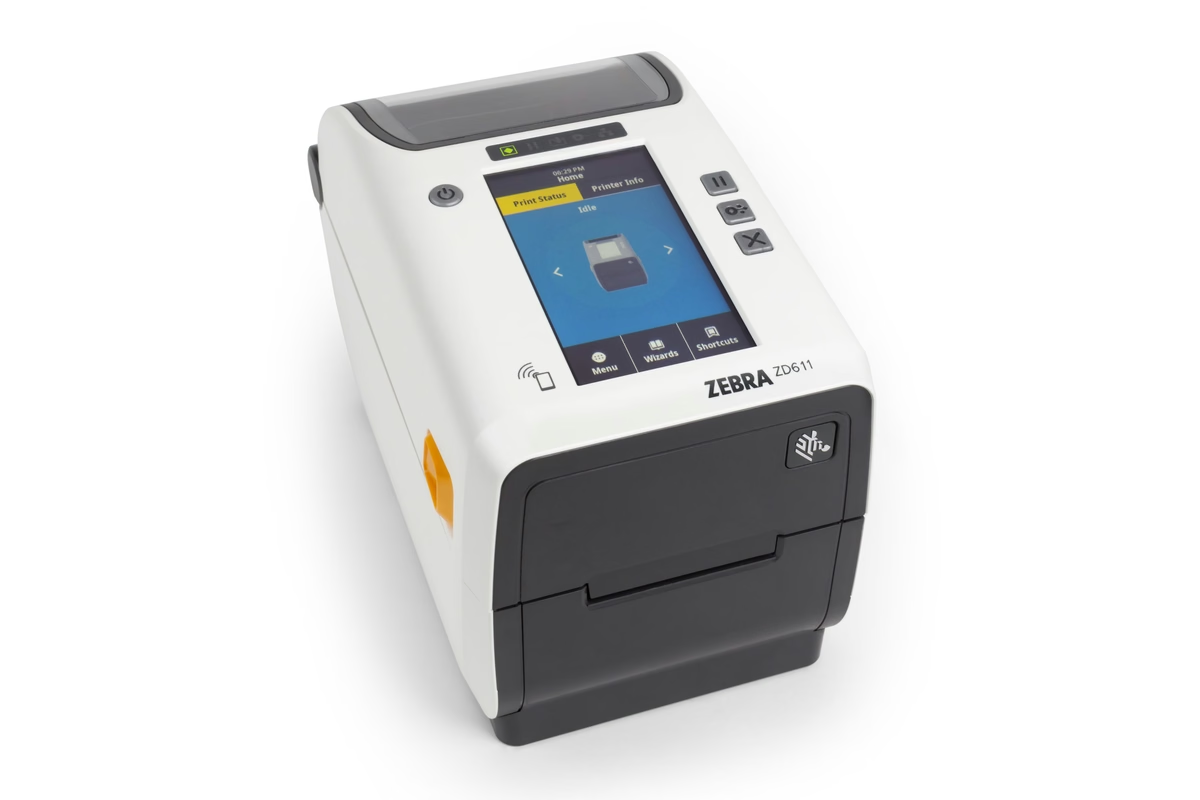
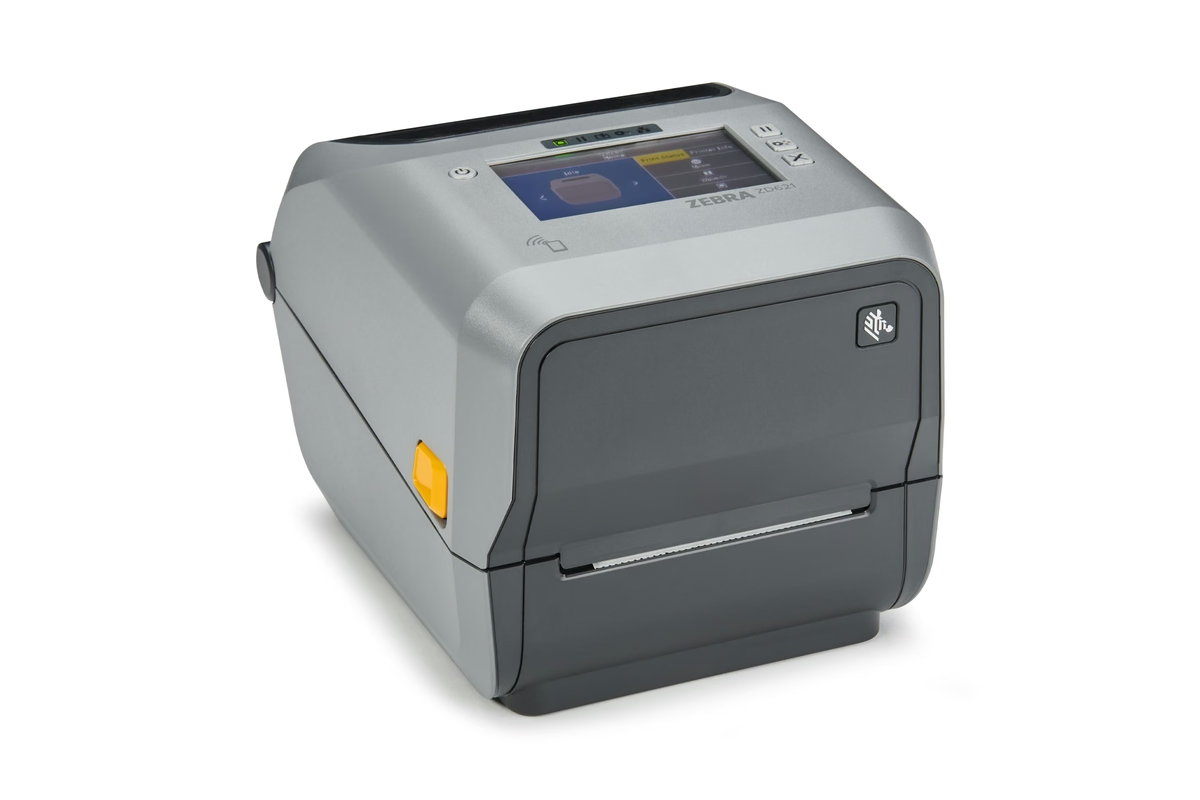
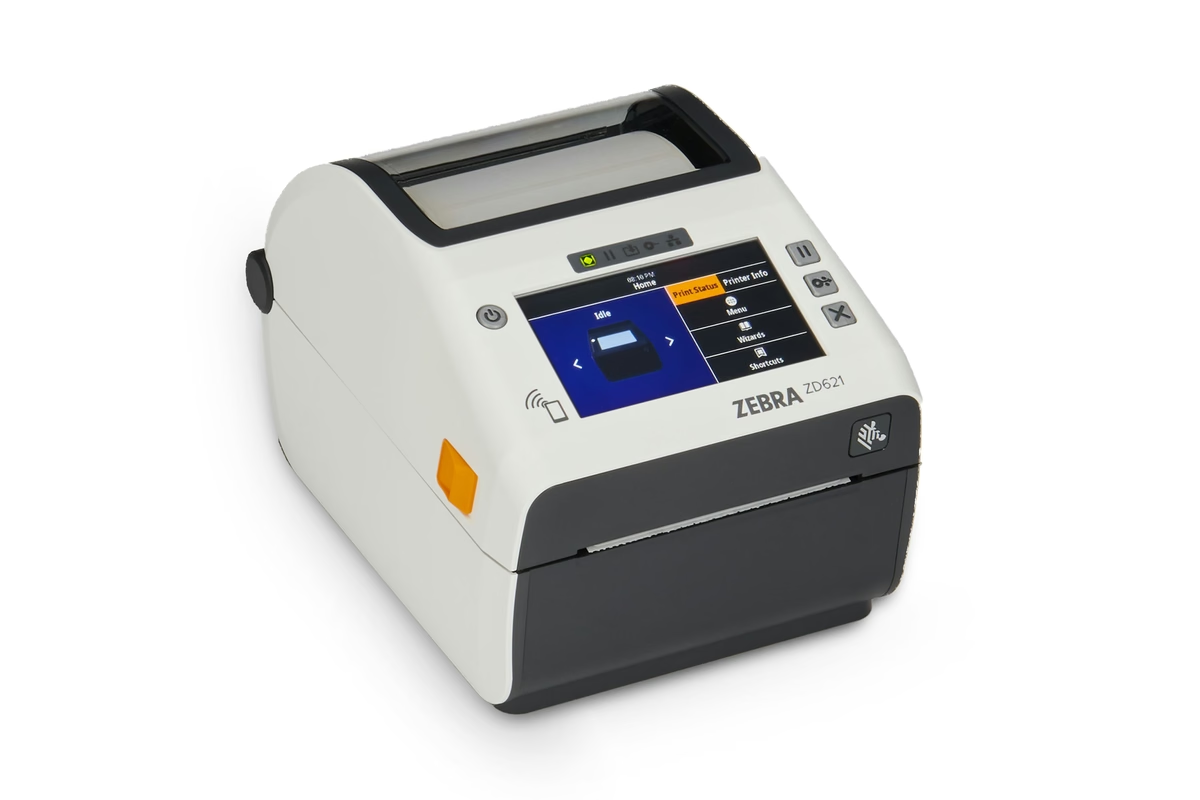
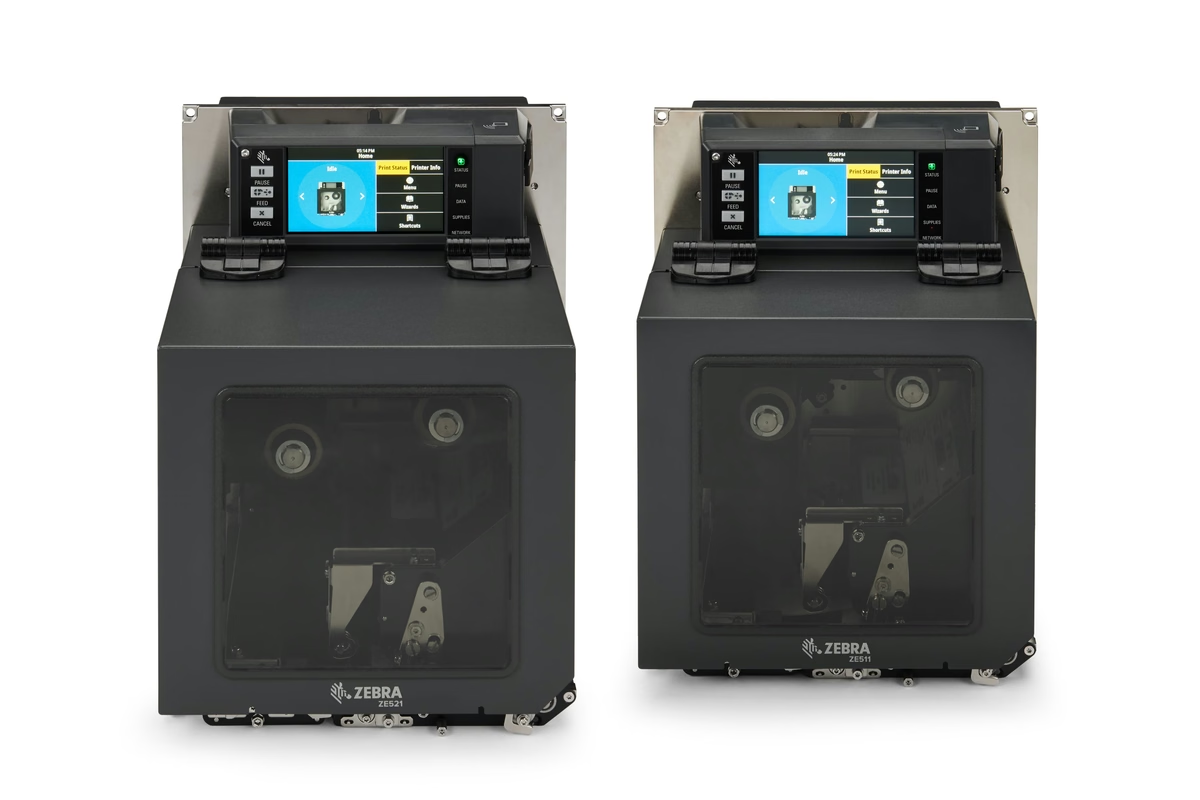
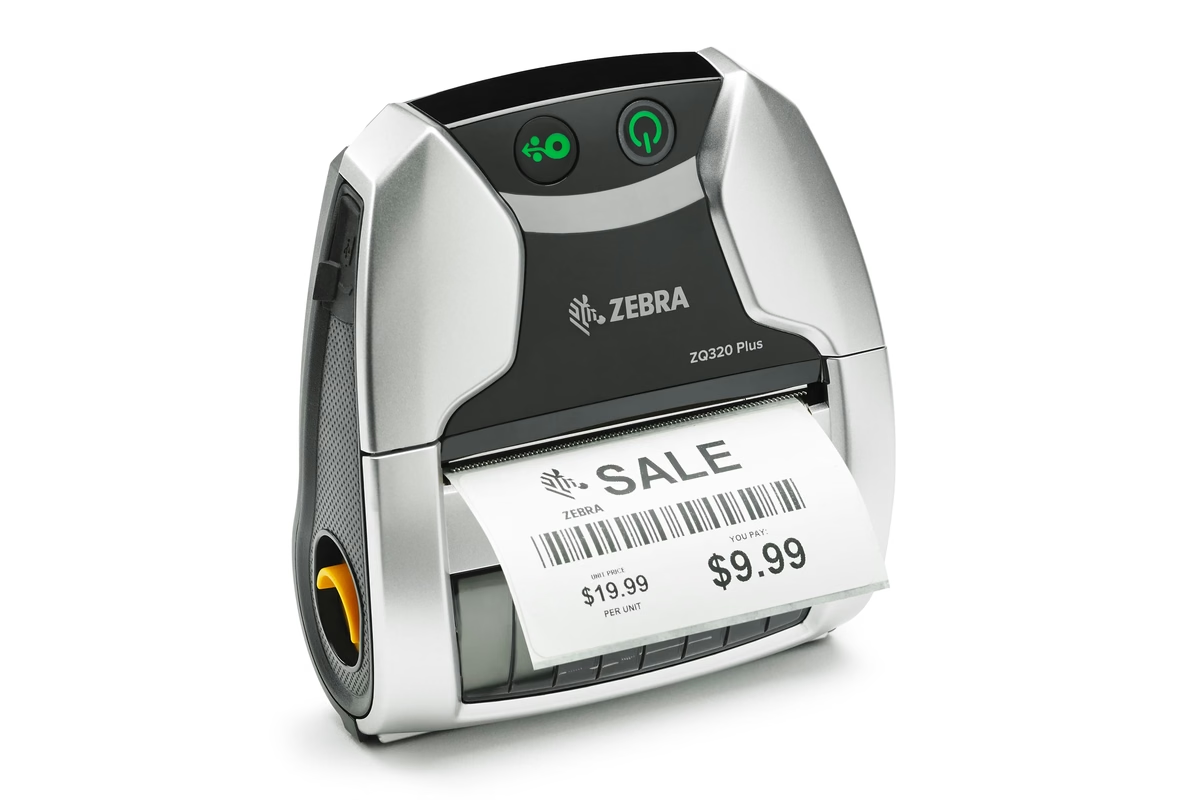
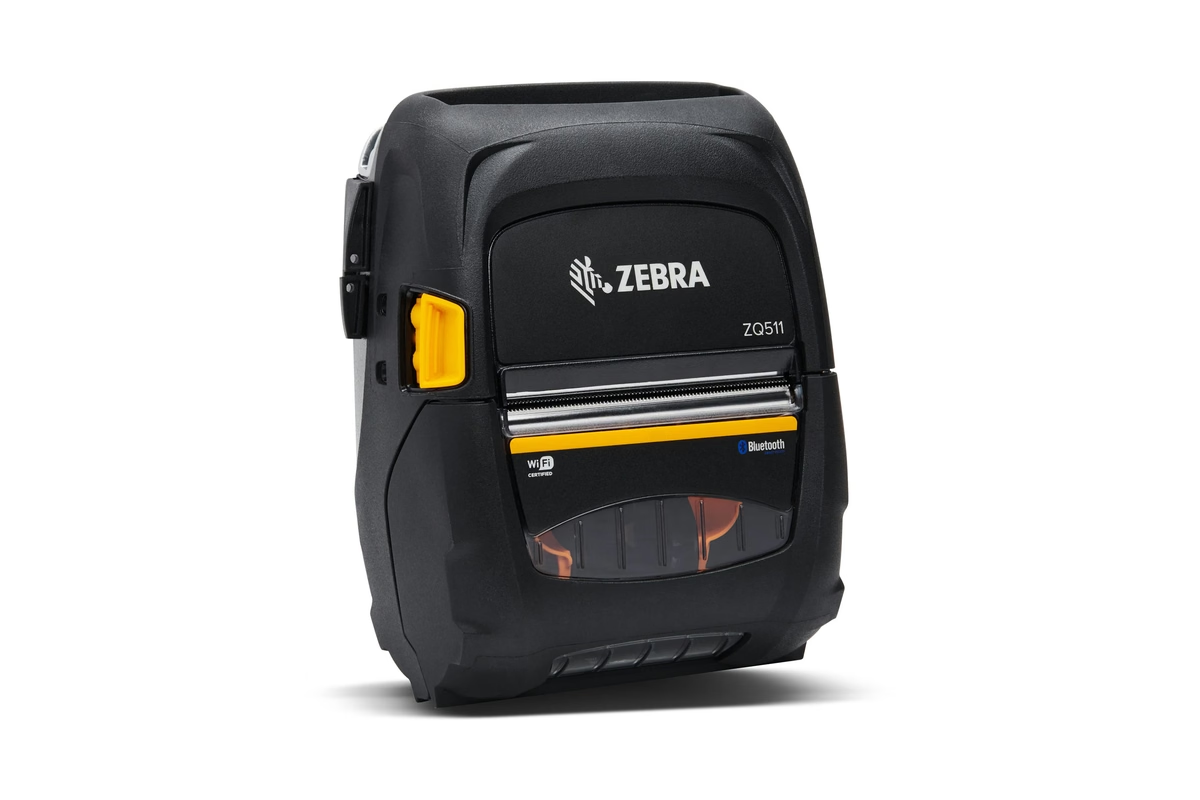
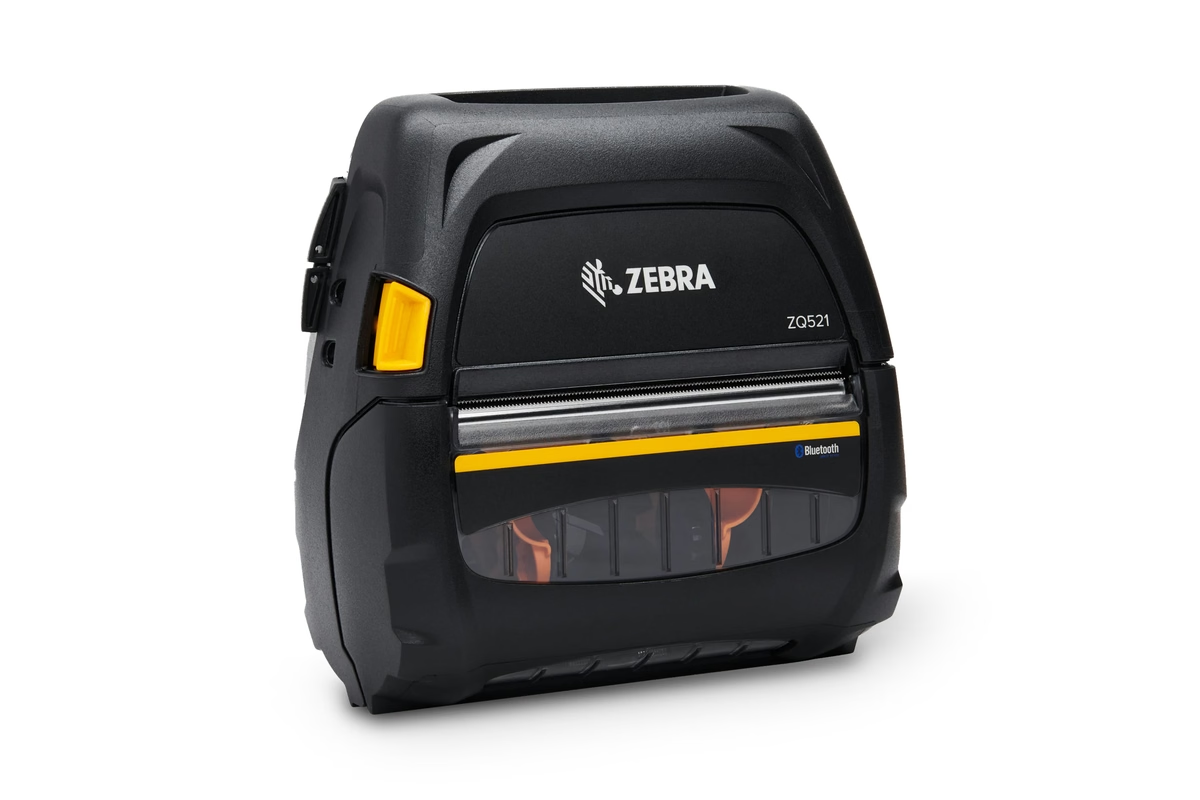
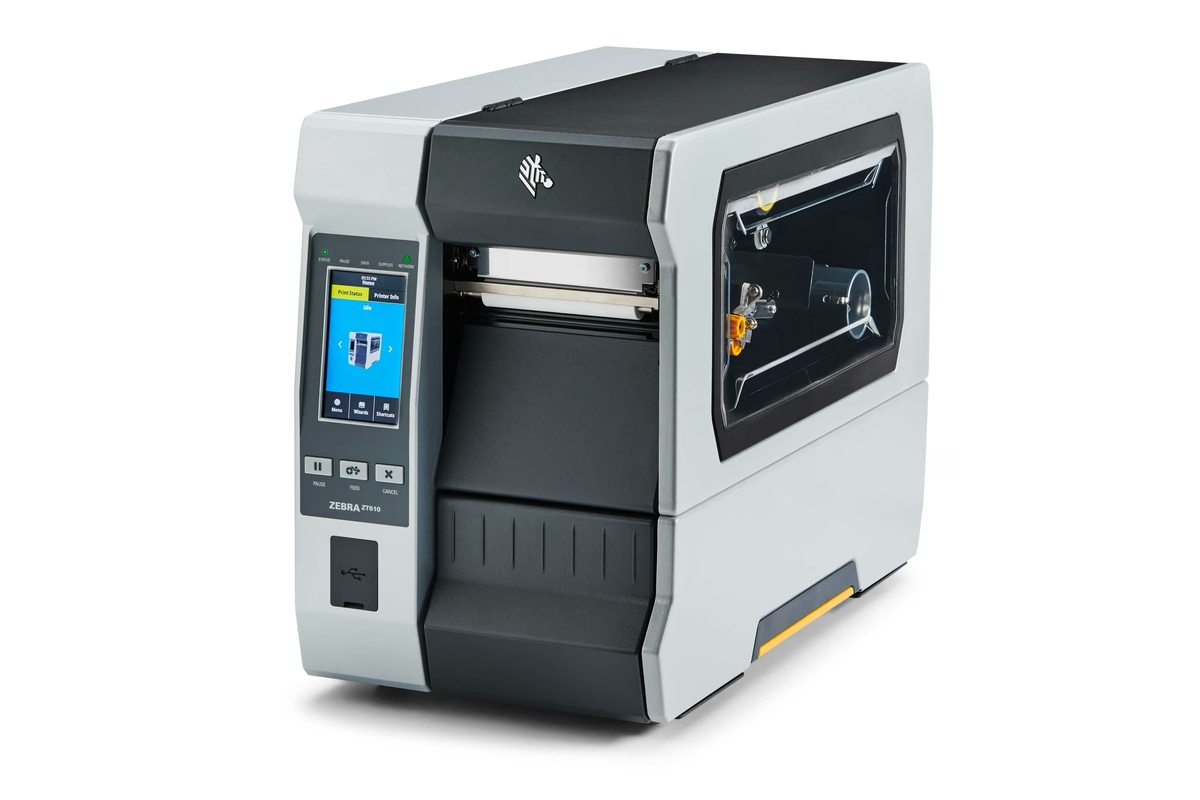
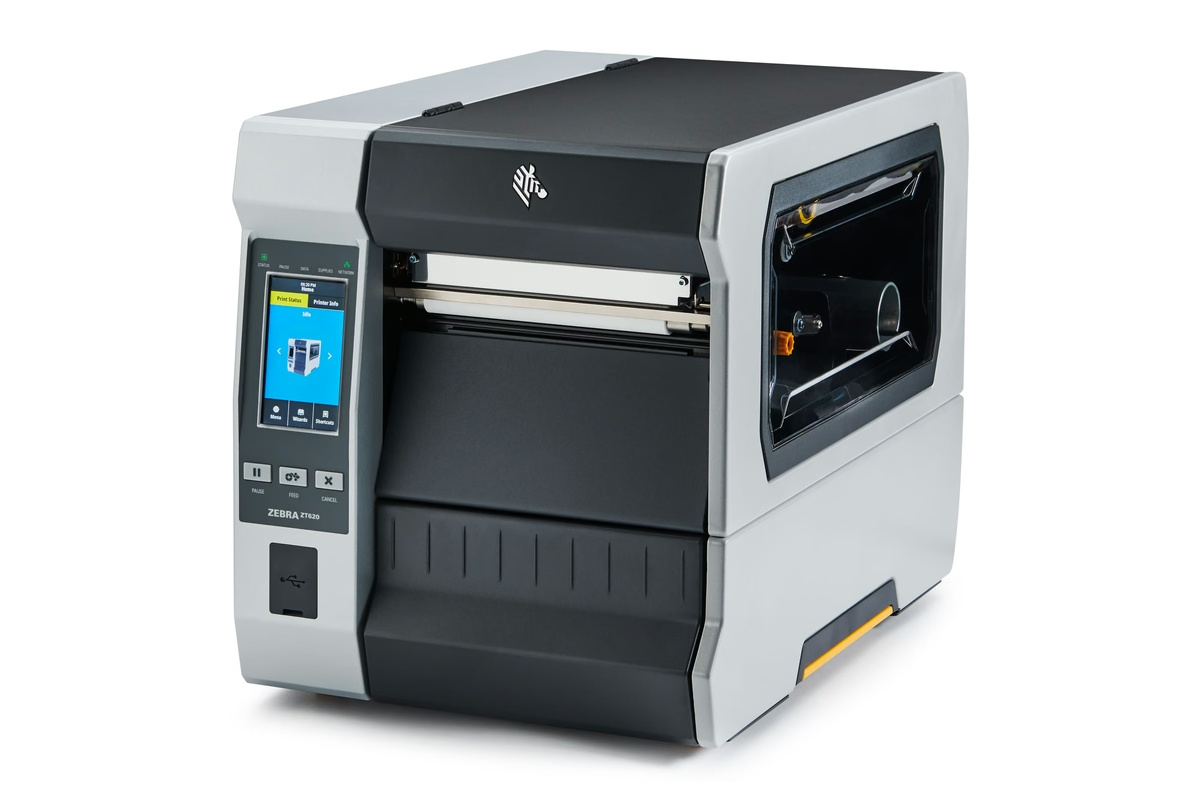
Every label printer we carry, scored against your job
Zebra, Honeywell, Epson and Canon in one place. Answer ten questions and the advisor ranks the range against what you actually print, with a manufacturer source behind every figure.
Four decisions sit underneath every label printer
Most of a specification sheet does not matter for your job. These four do, and the number beside each one is exactly how much it counts in the advisor's score out of 100.
What is the label application?
The label application is what the label identifies and where it ends up. A pallet placard and a pharmaceutical vial label are not the same machine. It carries the most weight here because it also tells the advisor the chassis class, industrial, desktop, mobile or print engine, which is why the printer category question further on is optional.
Thermal transfer or direct thermal?
Thermal transfer melts wax, wax resin or resin from a ribbon onto the facestock, so the image survives heat, sunlight, abrasion and solvents. Direct thermal images a heat sensitive facestock with no ribbon, which costs less per label but darkens and fades. If the label has to outlast the shift, this is settled before anything else.
What is the label substrate?
The substrate is the facestock the image sits on, not the print method. Paper suits short life indoor use. Synthetics such as polypropylene and polyester survive moisture, abrasion and chemicals. Tag stock, linerless and wristband each need a specific media path, so a printer that does not state support for them genuinely cannot run them.
What duty cycle does it have to hold?
Duty cycle is the label volume a printer is built to run every day, and it decides more than top speed in inches per second does. A desktop chassis asked to hold an industrial shift fails at the printhead and the platen long before it runs short of throughput, and that failure arrives as downtime rather than as slow printing.
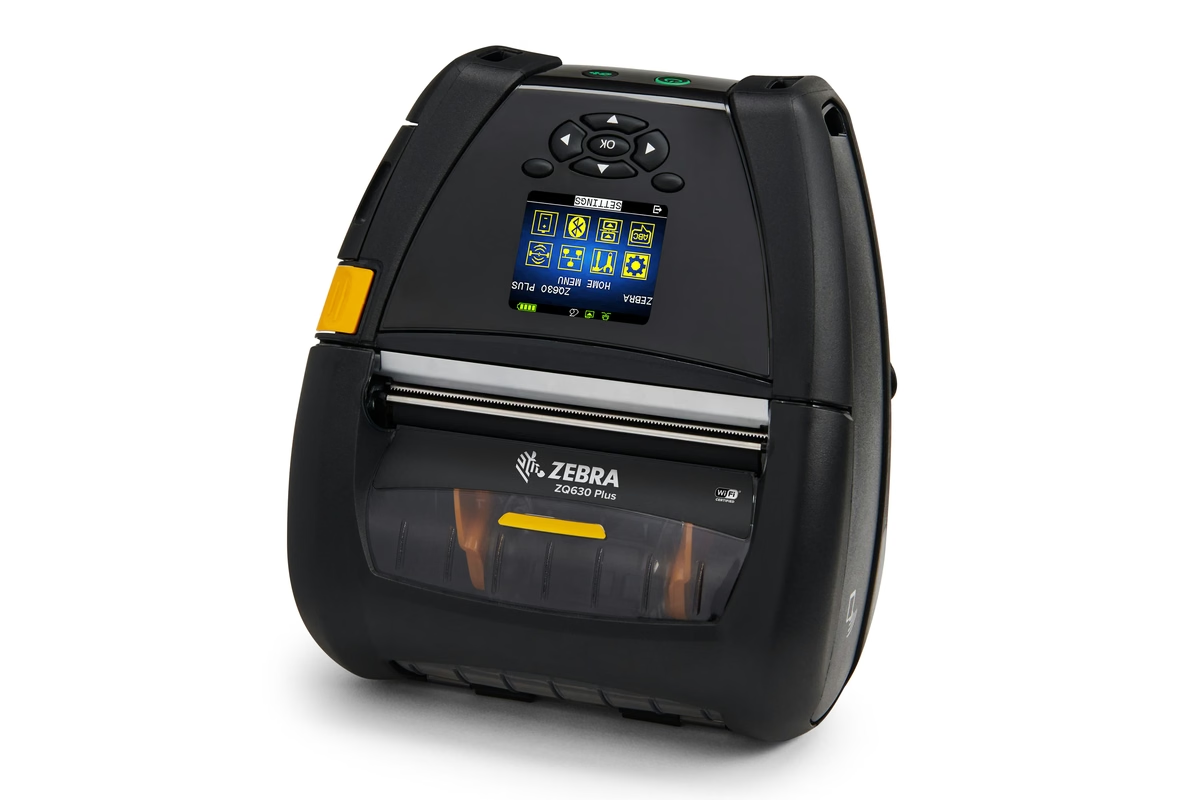
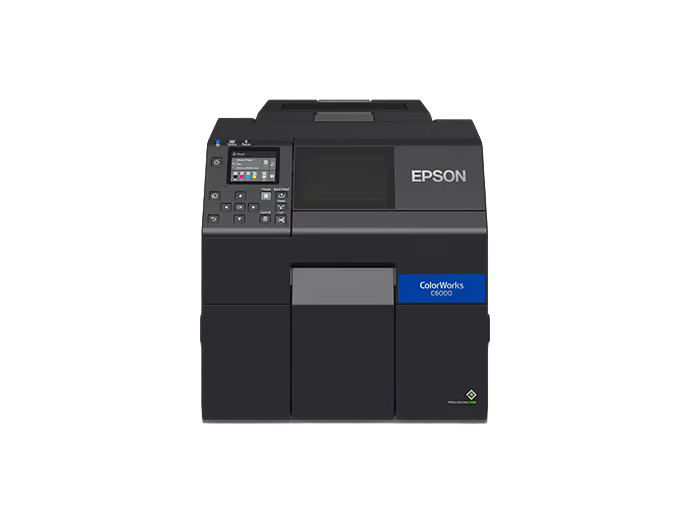
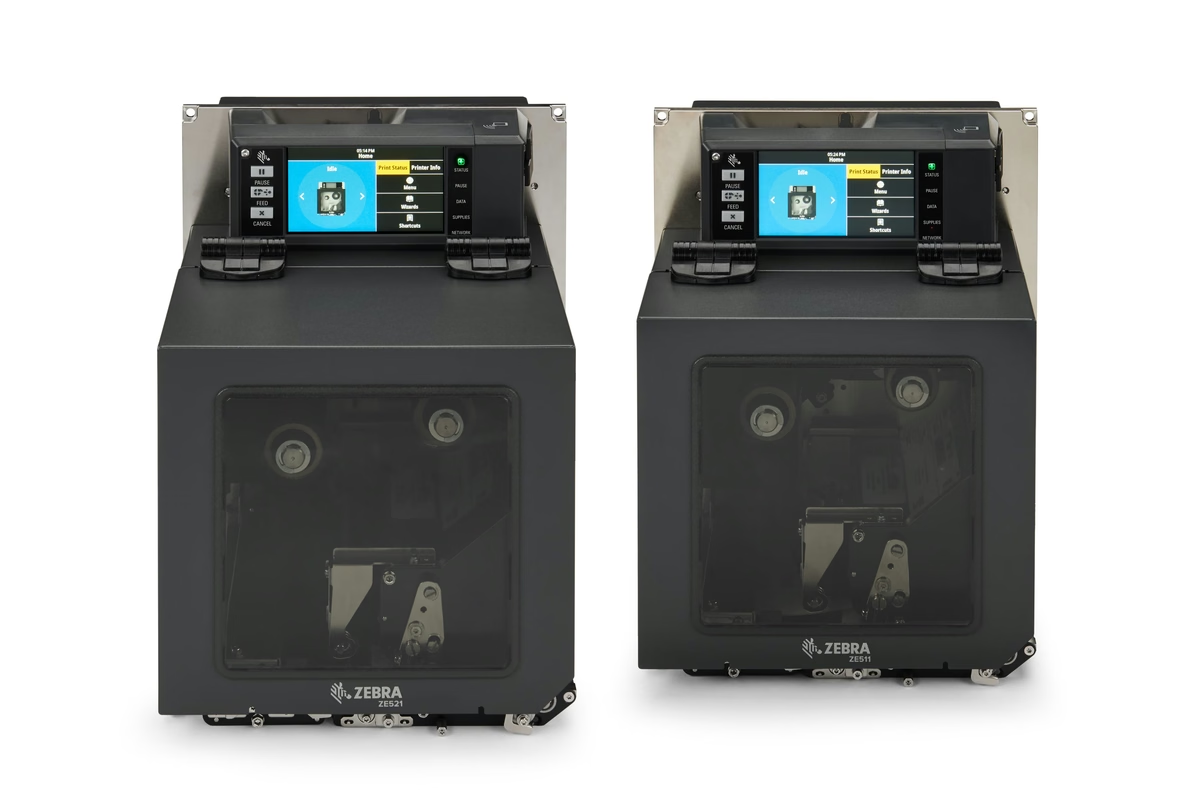
Ten questions, then a ranked shortlist
Every question can be skipped. Answer three and you get a shortlist, and the tool tells you plainly how much confidence that few answers earns.
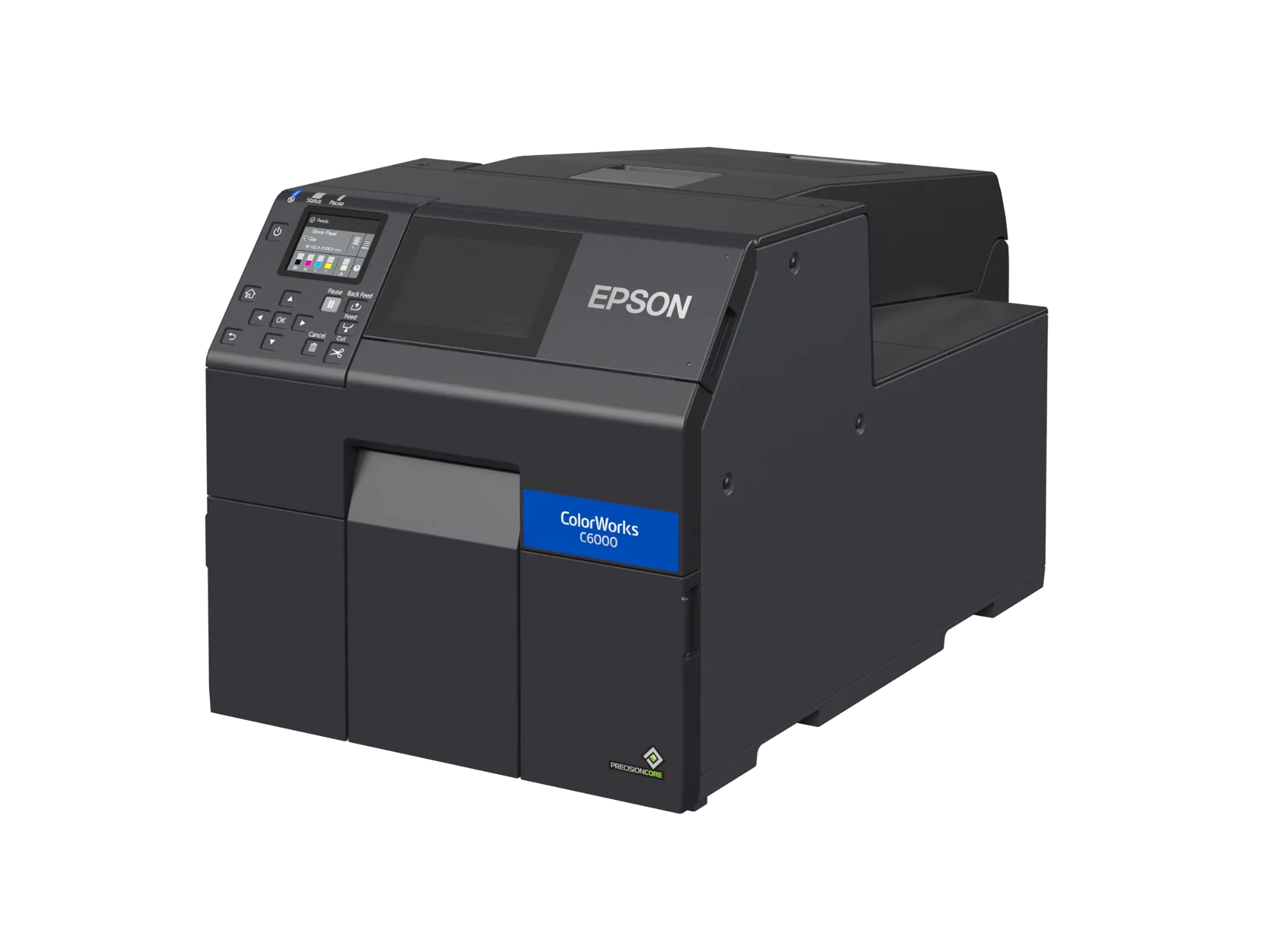
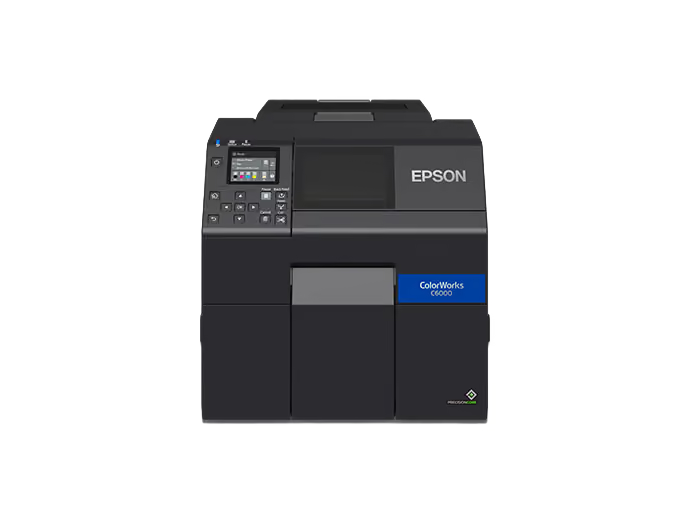
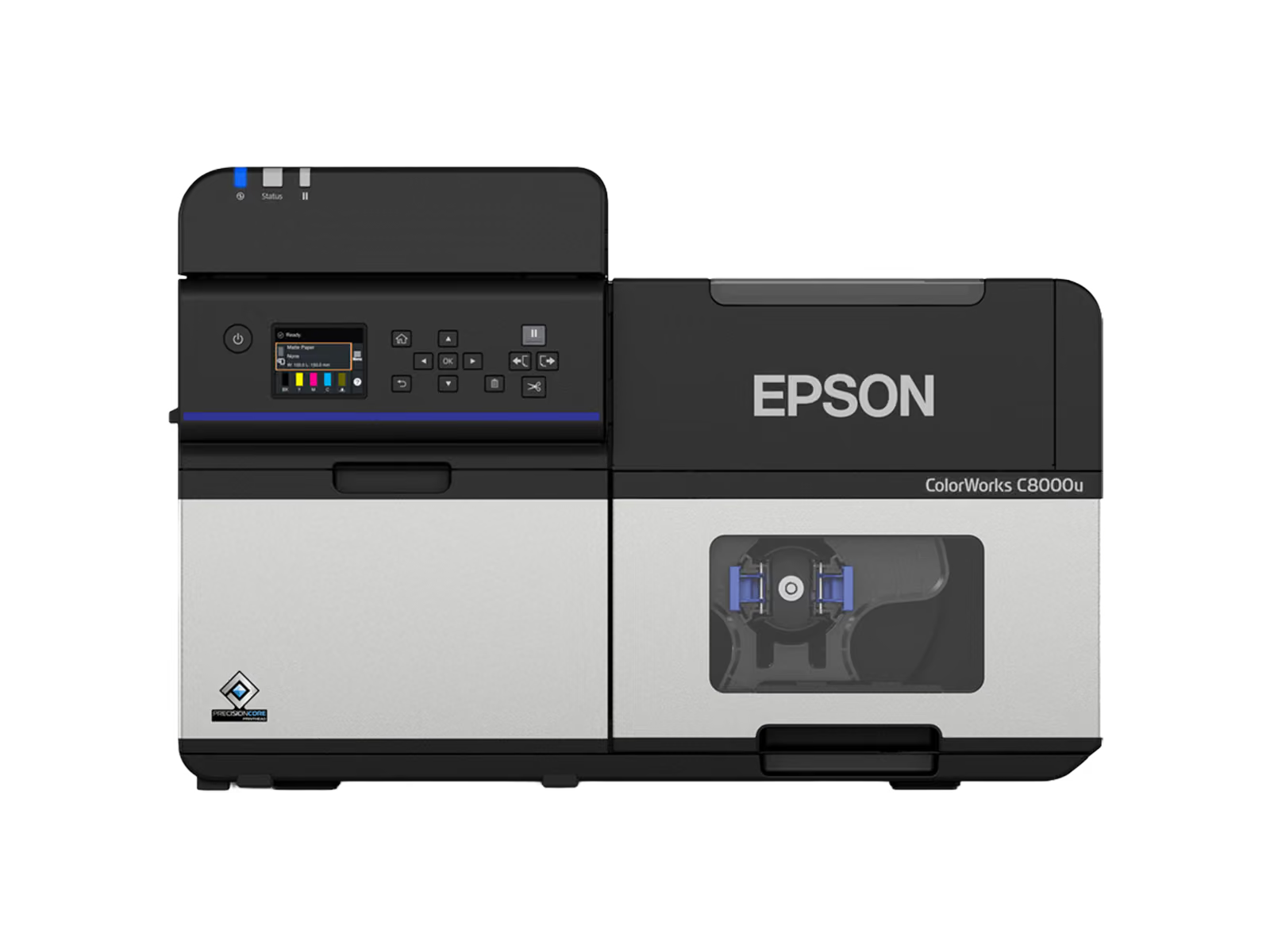
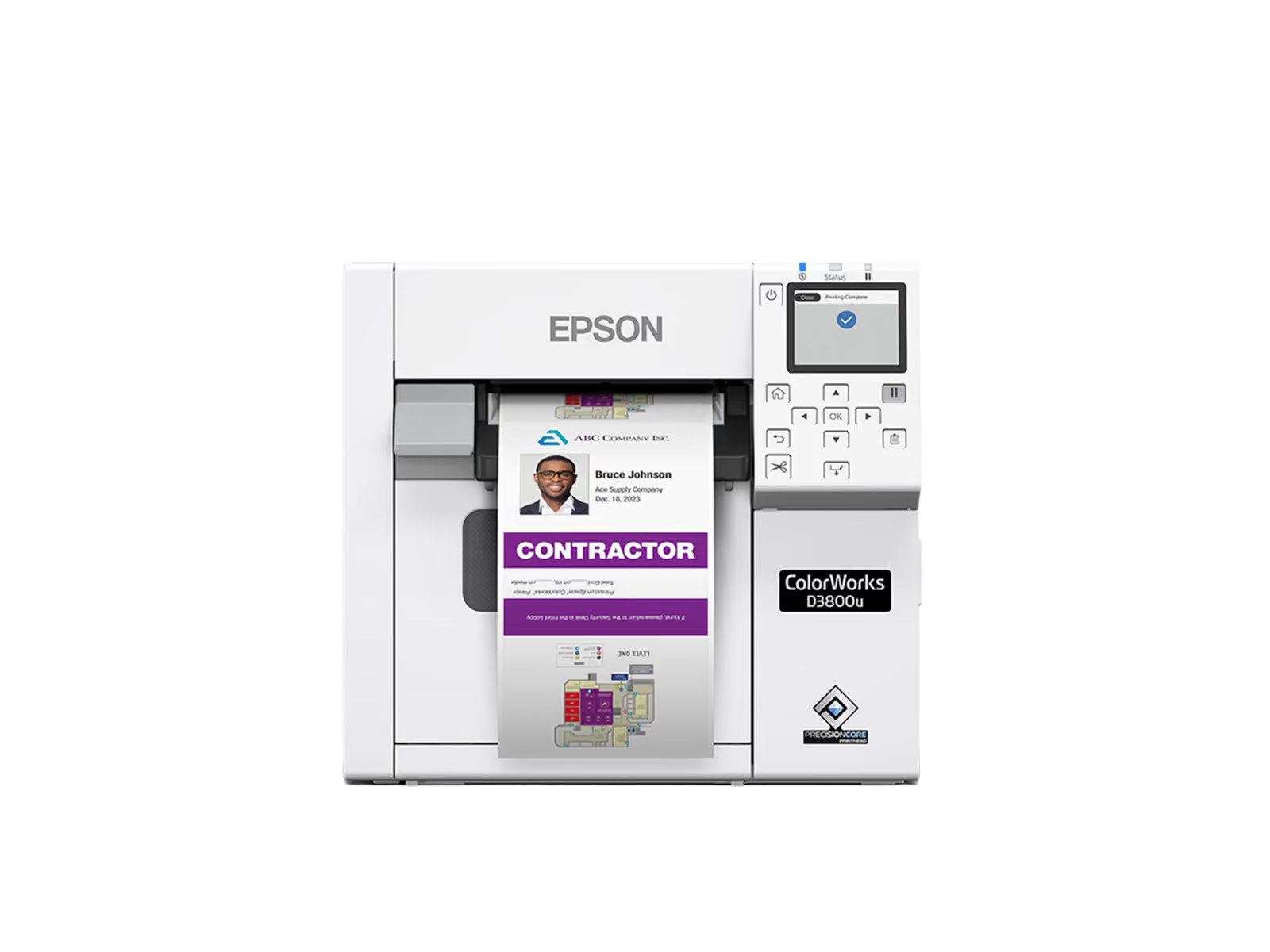
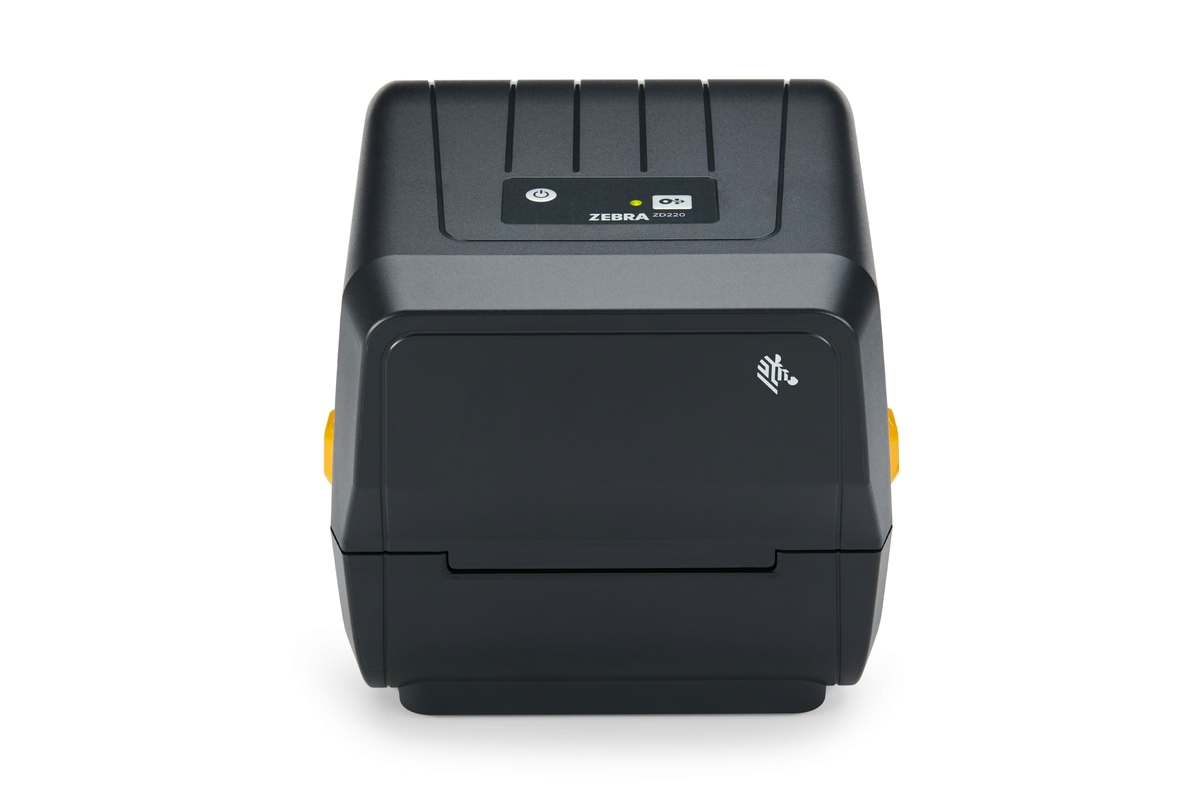
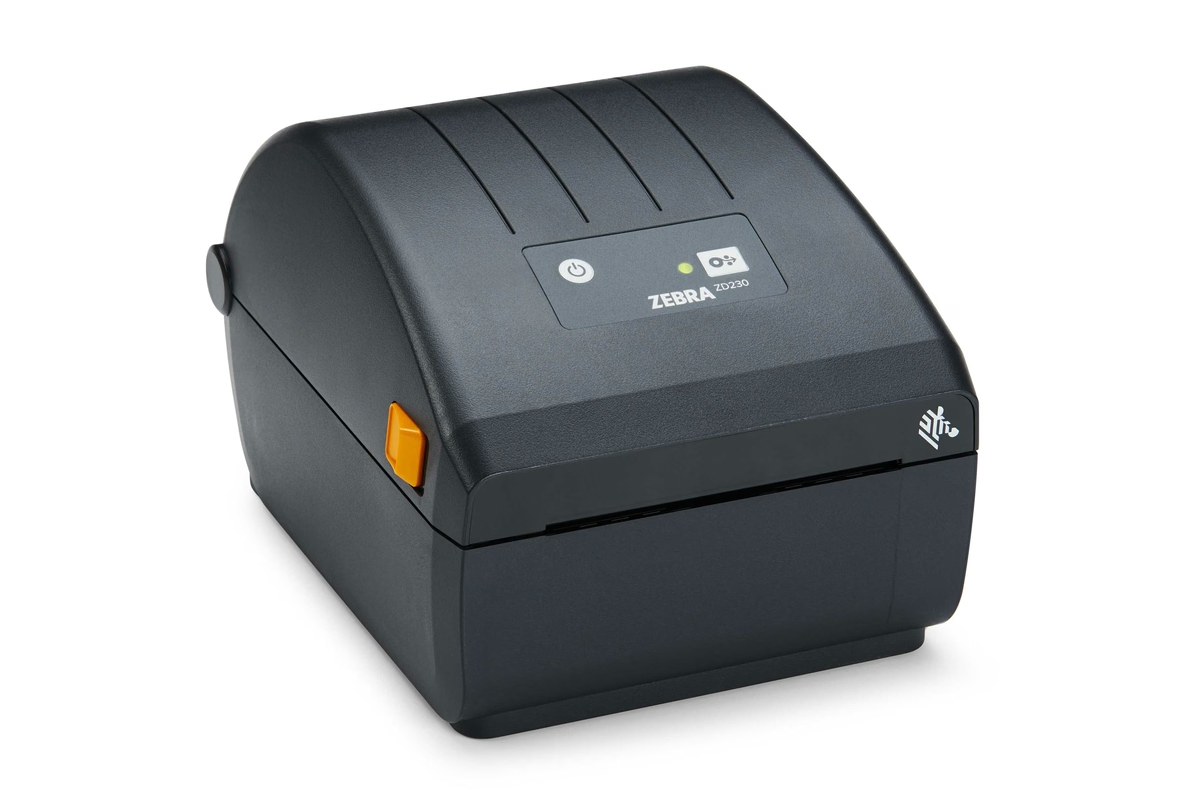
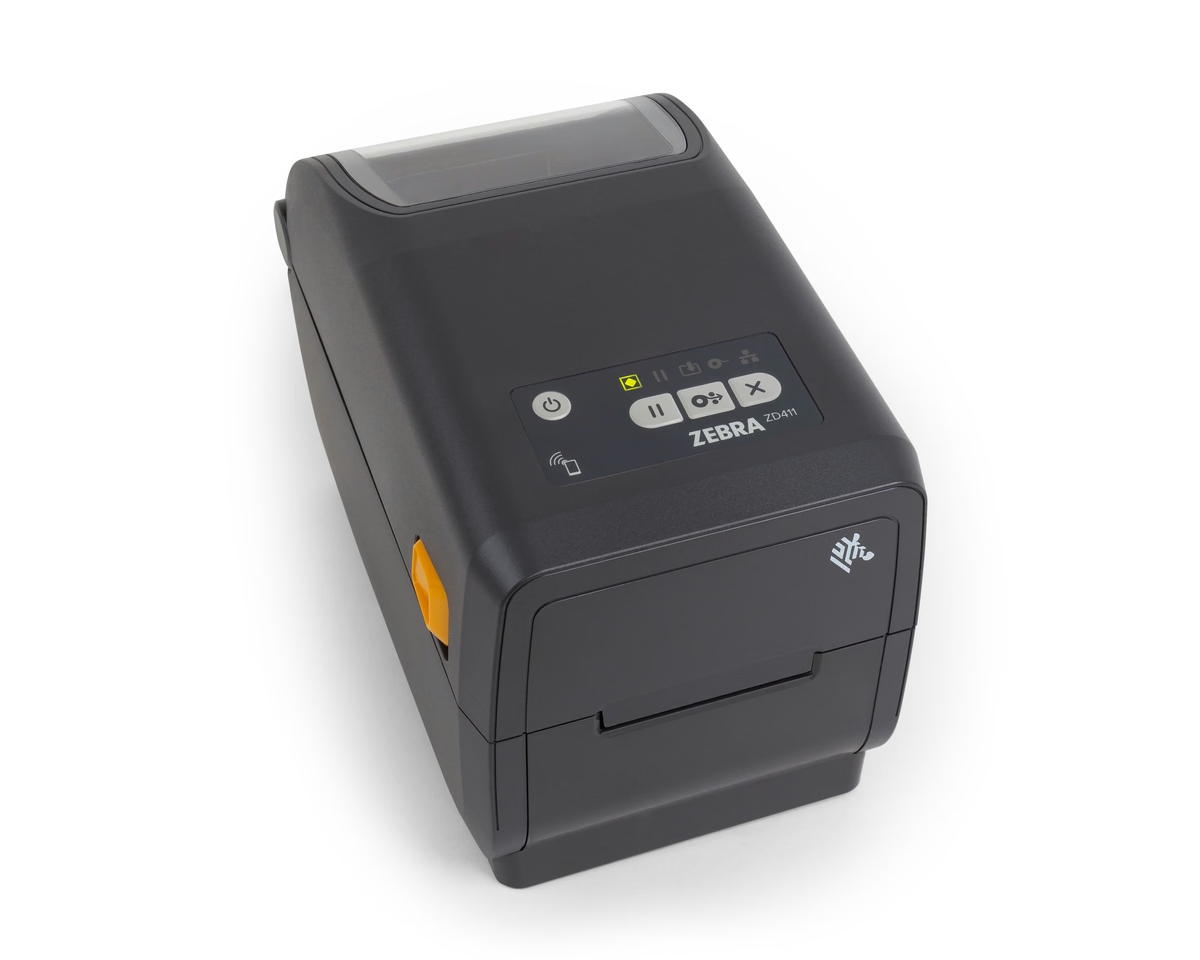
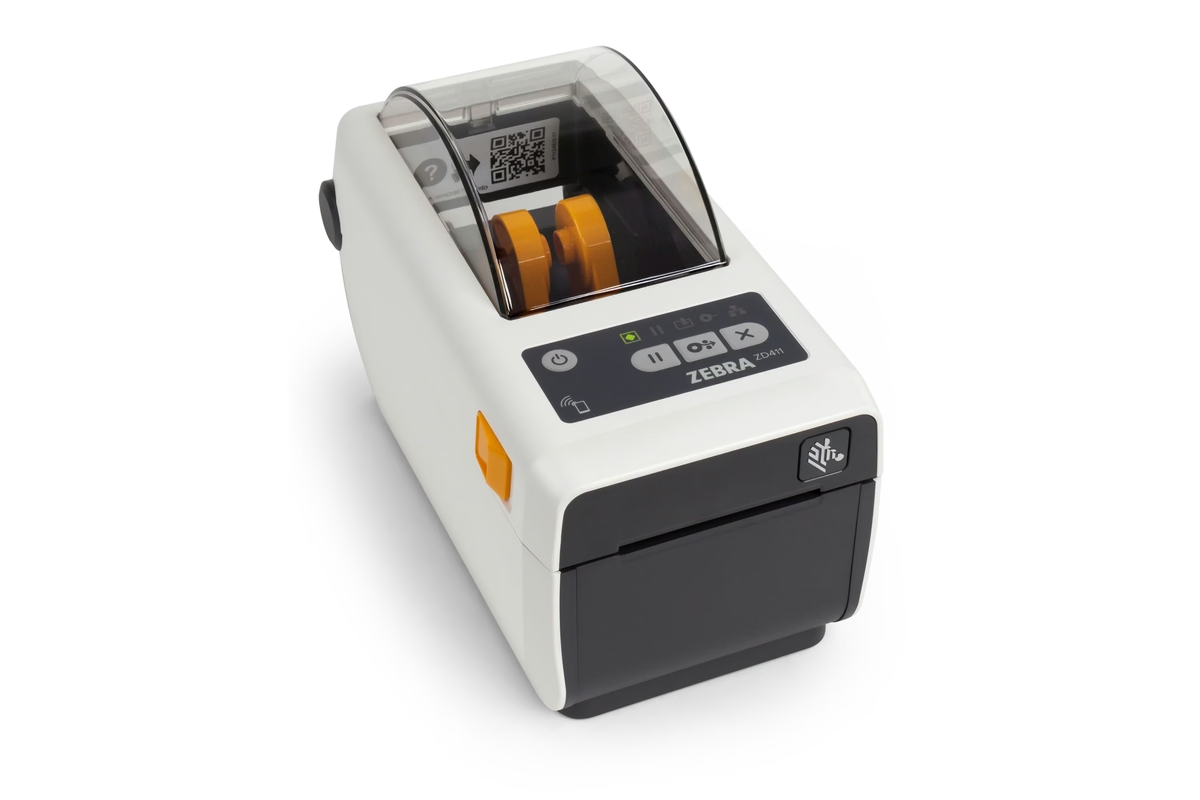
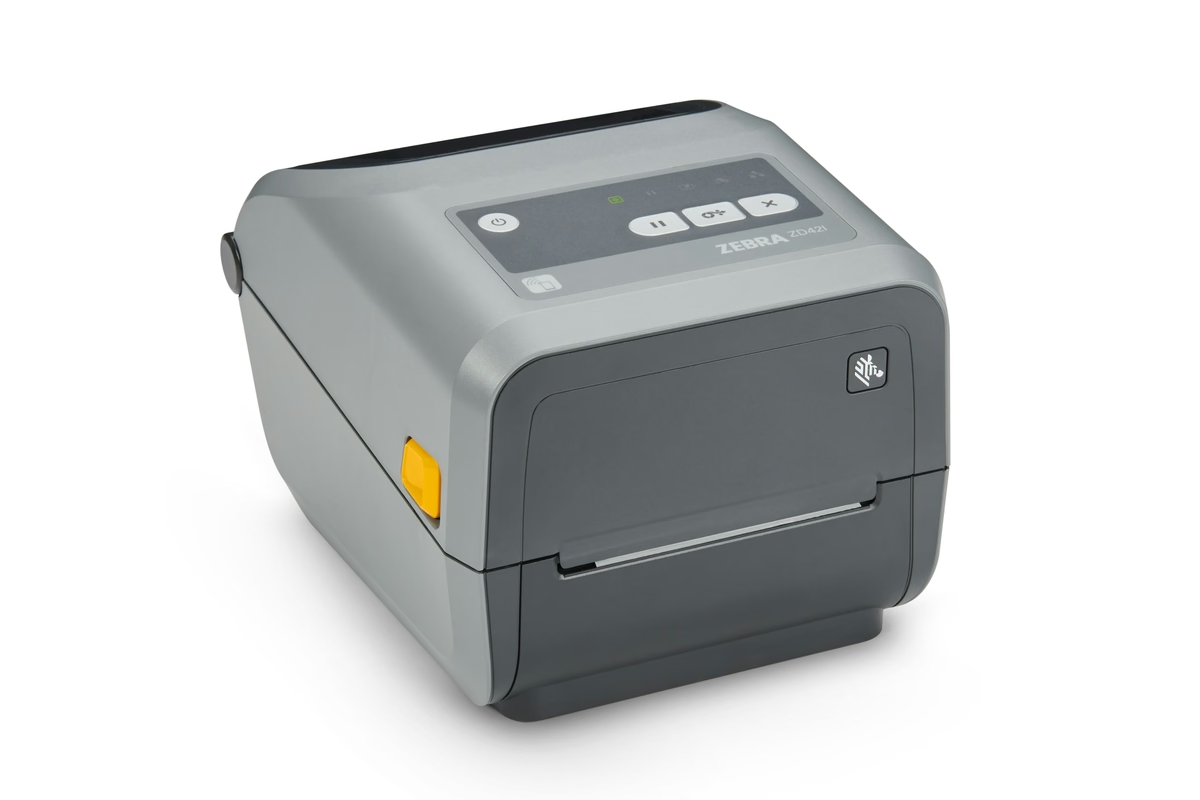
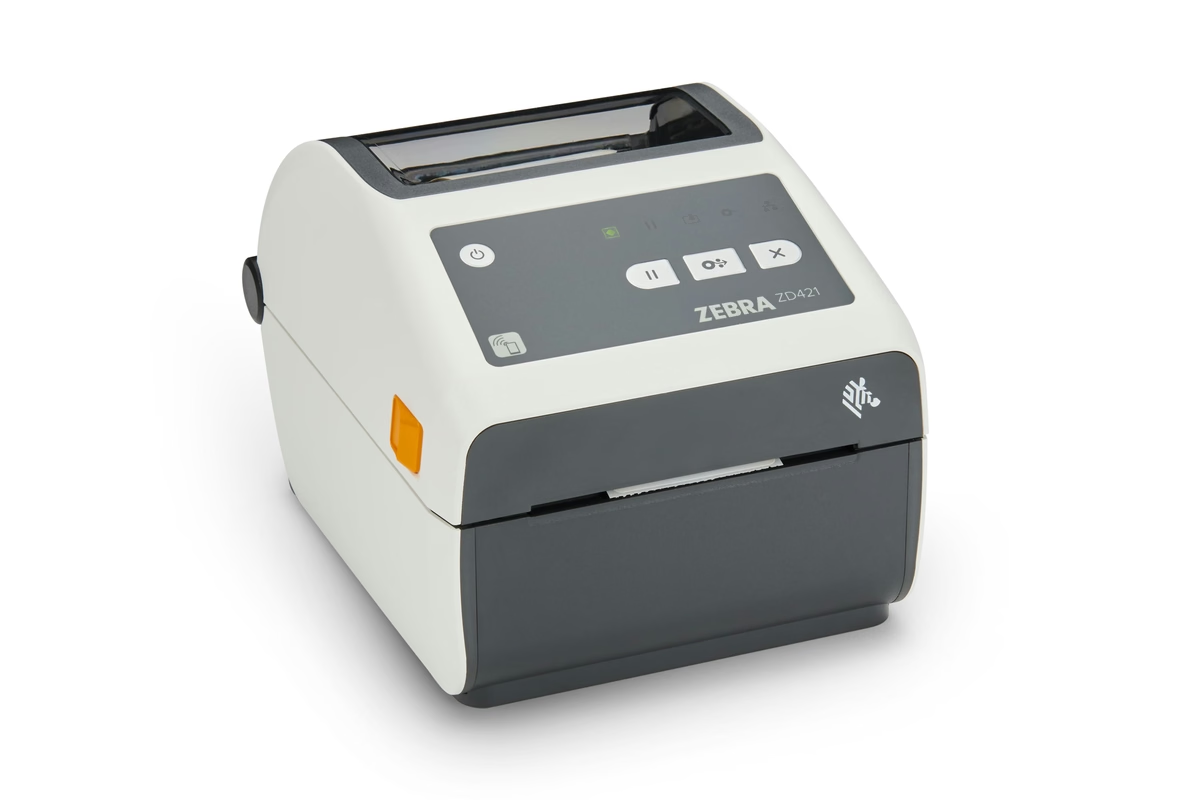
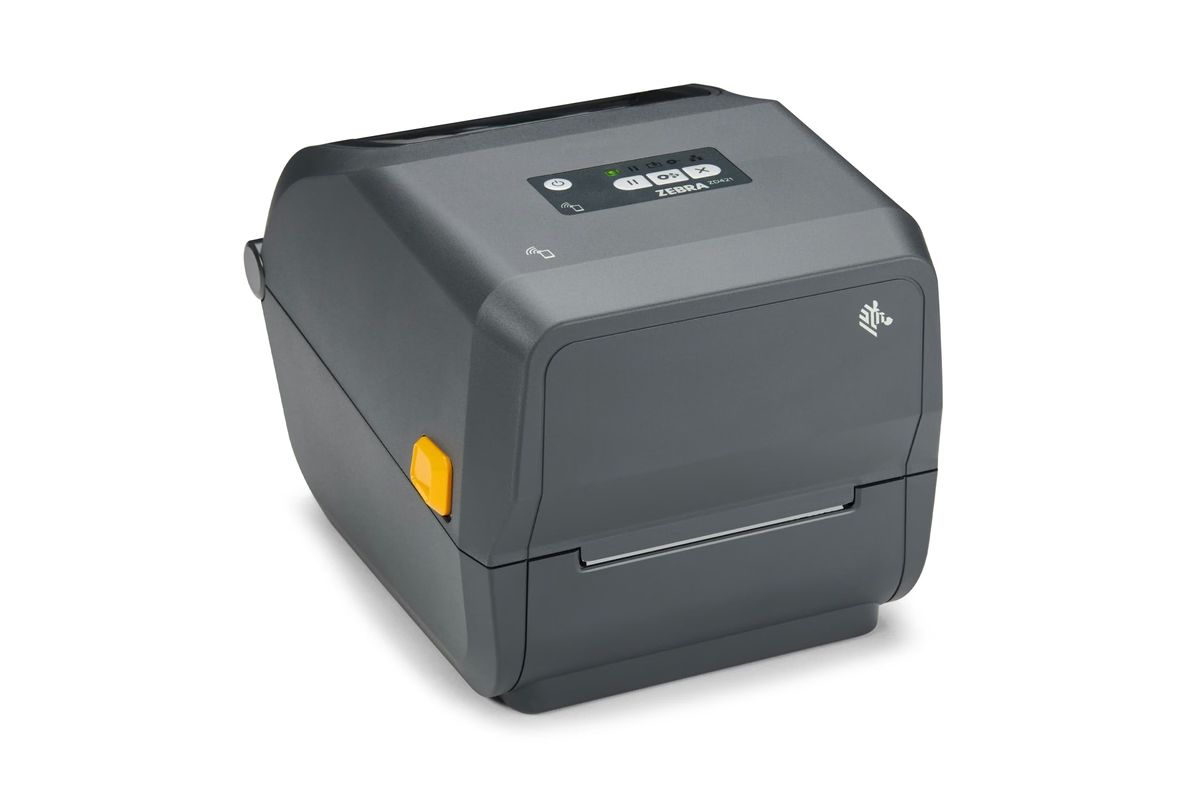
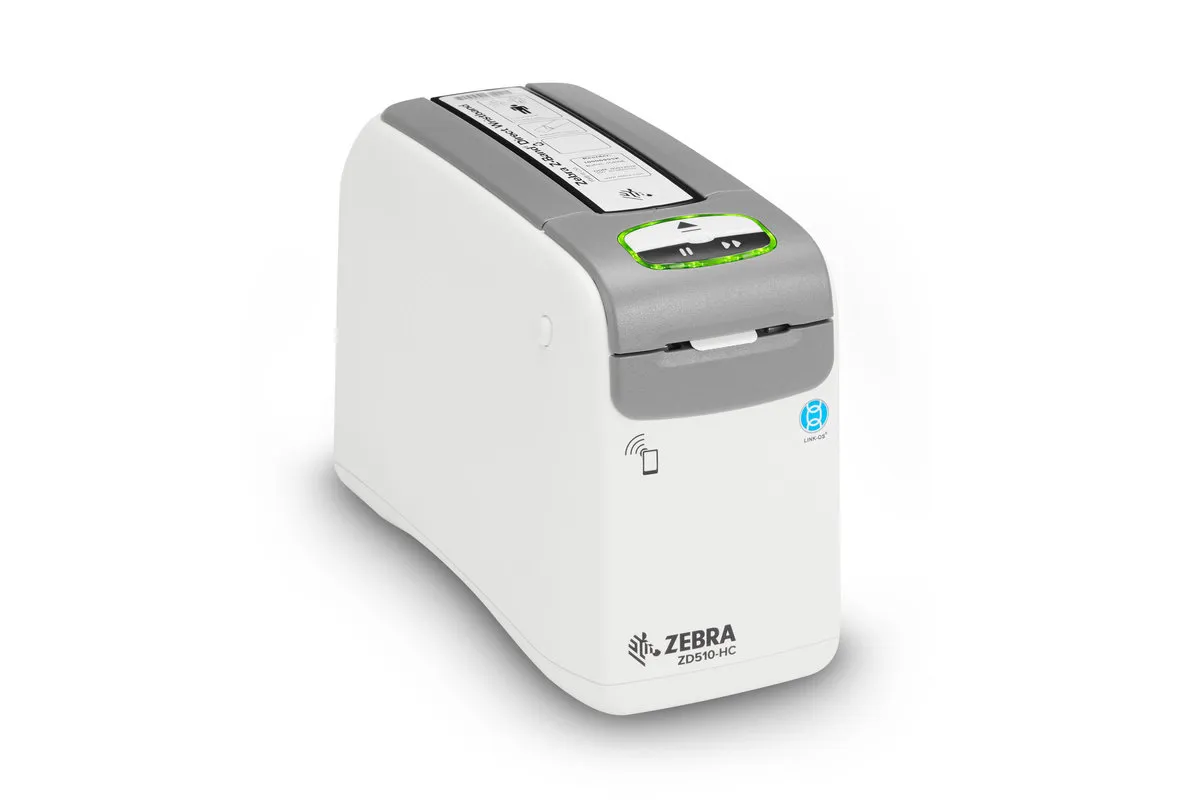
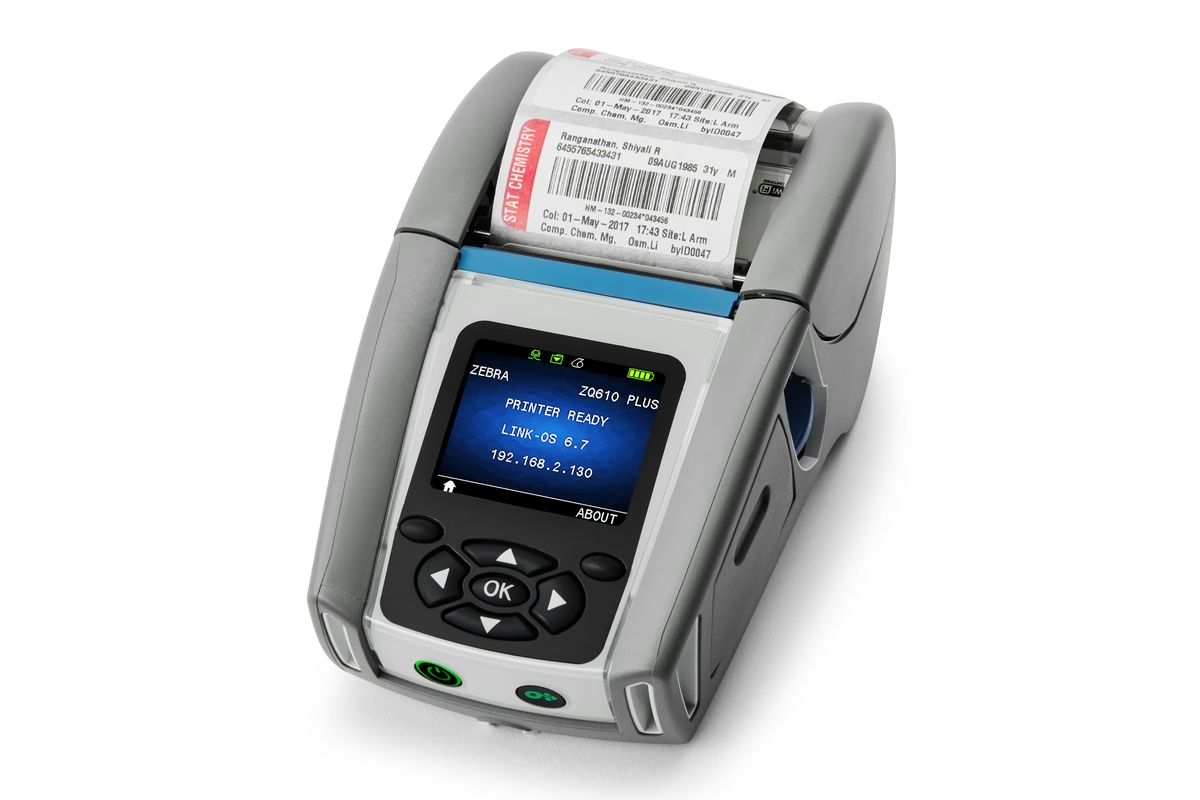
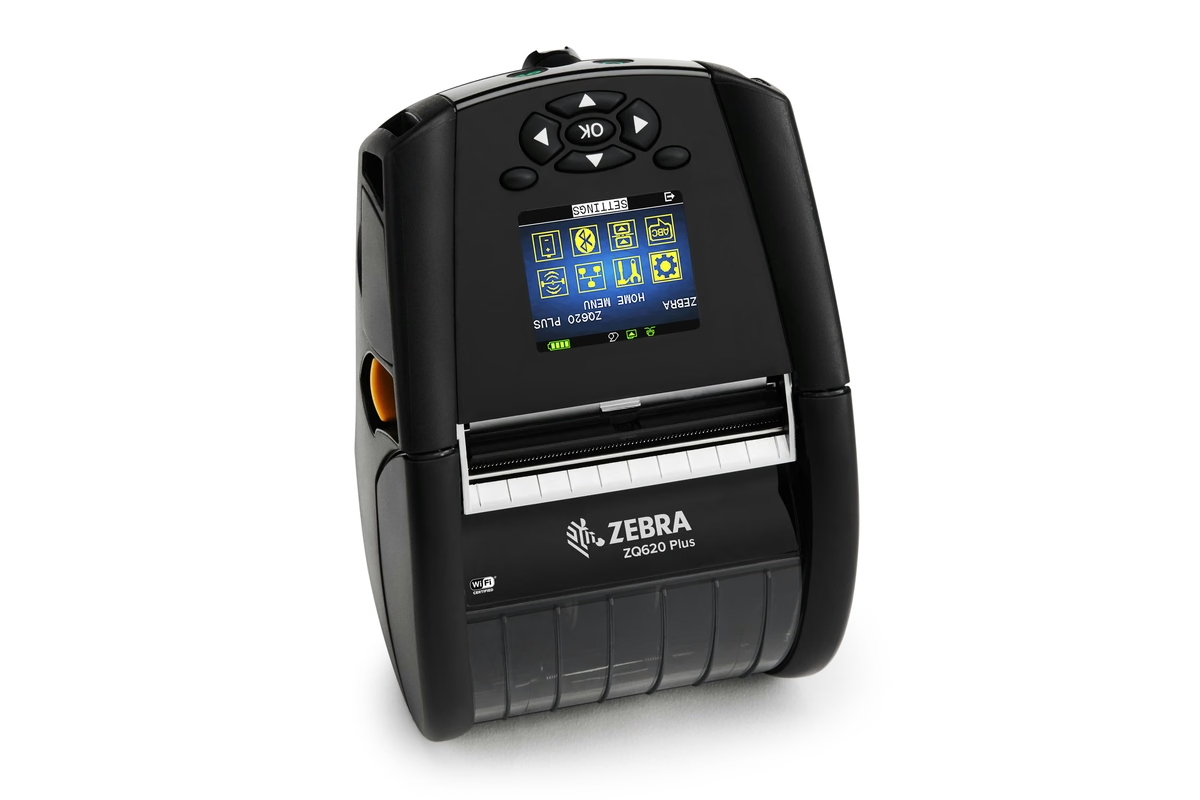
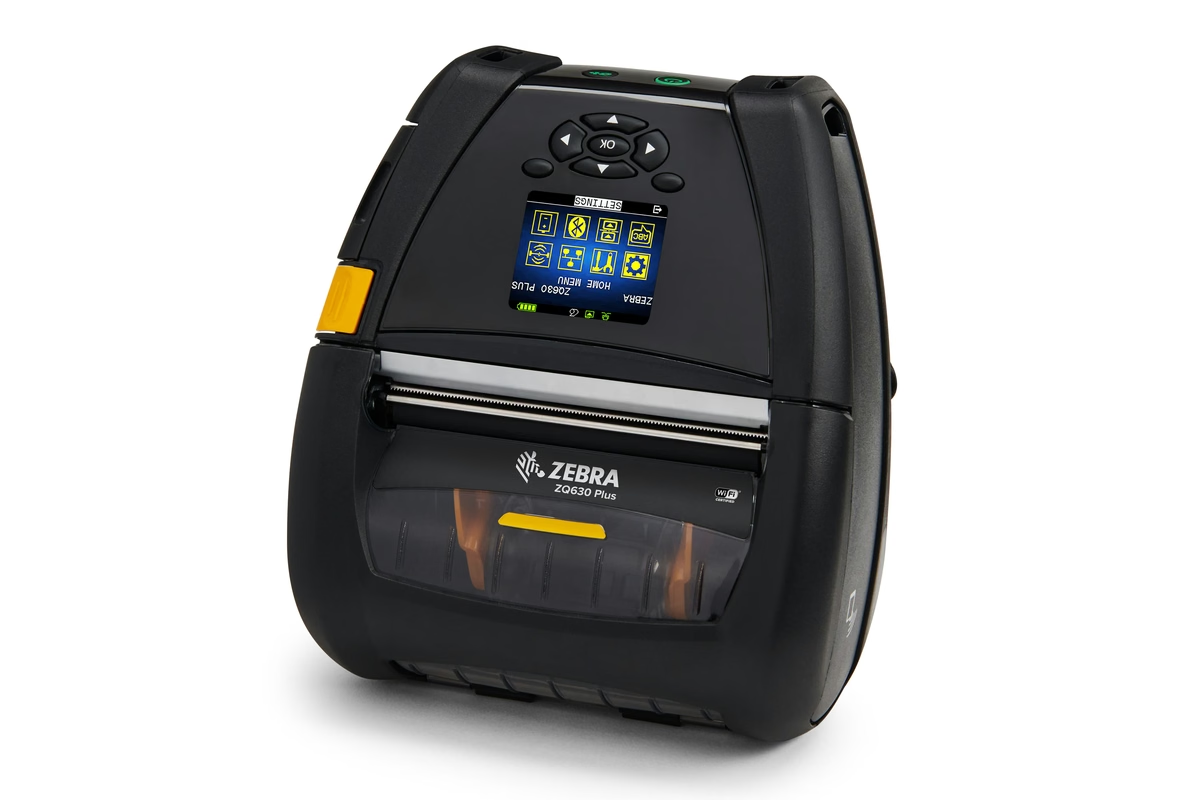
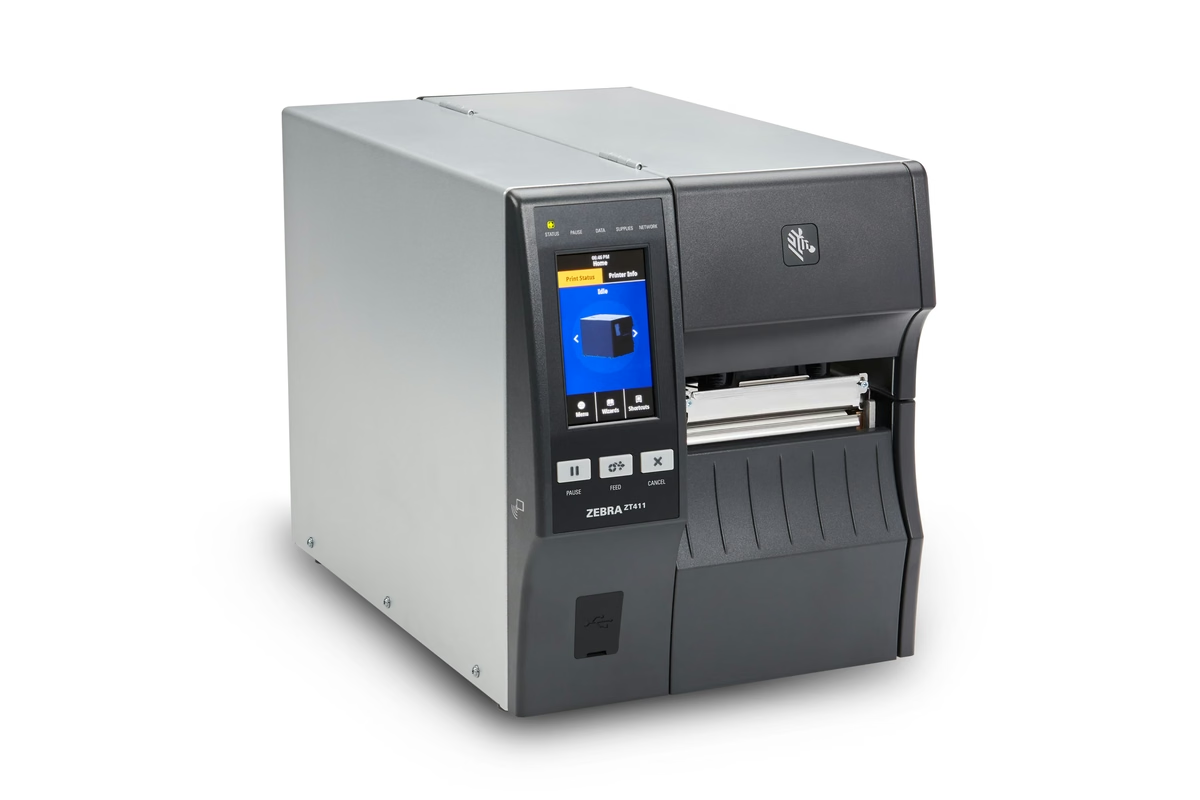
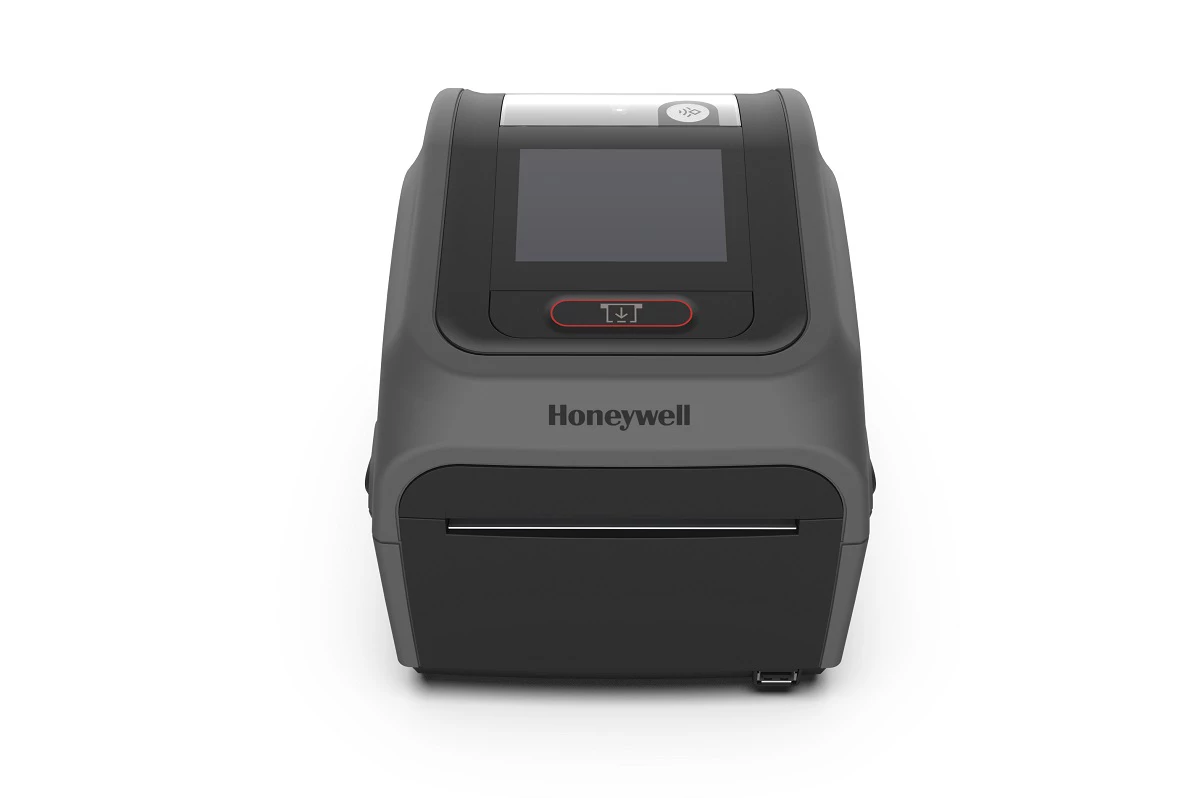
Three printers, scored against your answers
Side by side
Want the full comparison?
The short table above is the six specifications that separate these three. The full comparison adds applications, connectivity, the scoring breakdown, and the manufacturer page and verified date behind every figure. We will email it to you as a PDF.
Match the label construction
A printer only prints what you feed it. The facestock, the adhesive, the liner and the topcoat decide whether a label survives a freezer, a wash bay or three years outdoors, and the ribbon has to suit the substrate. The Label Spec Matcher works that through and hands a label engineer a spec.
Build the business case
A shortlist is not an approval. The ROI calculator puts a figure on what picking errors and walking time cost you today, which is usually the number that gets a purchase signed rather than deferred to next quarter.
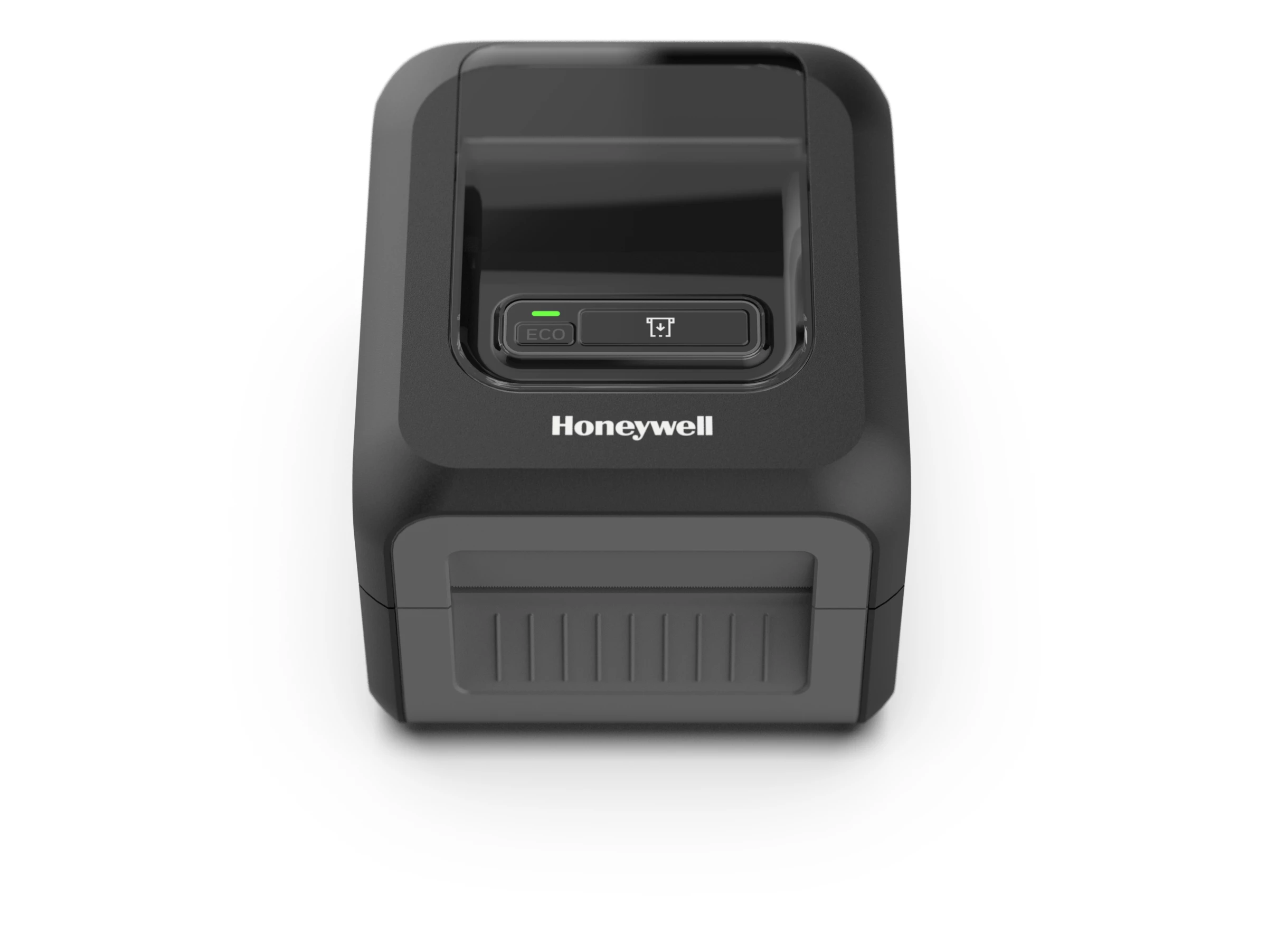
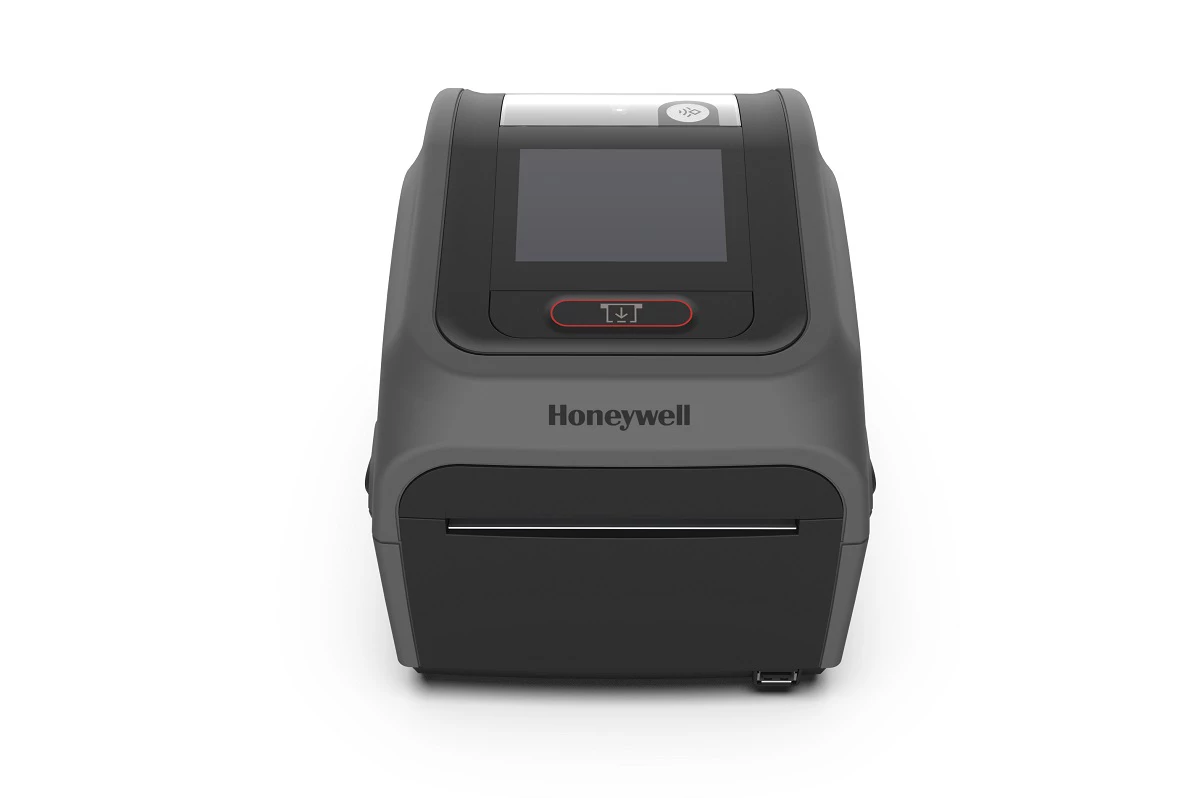
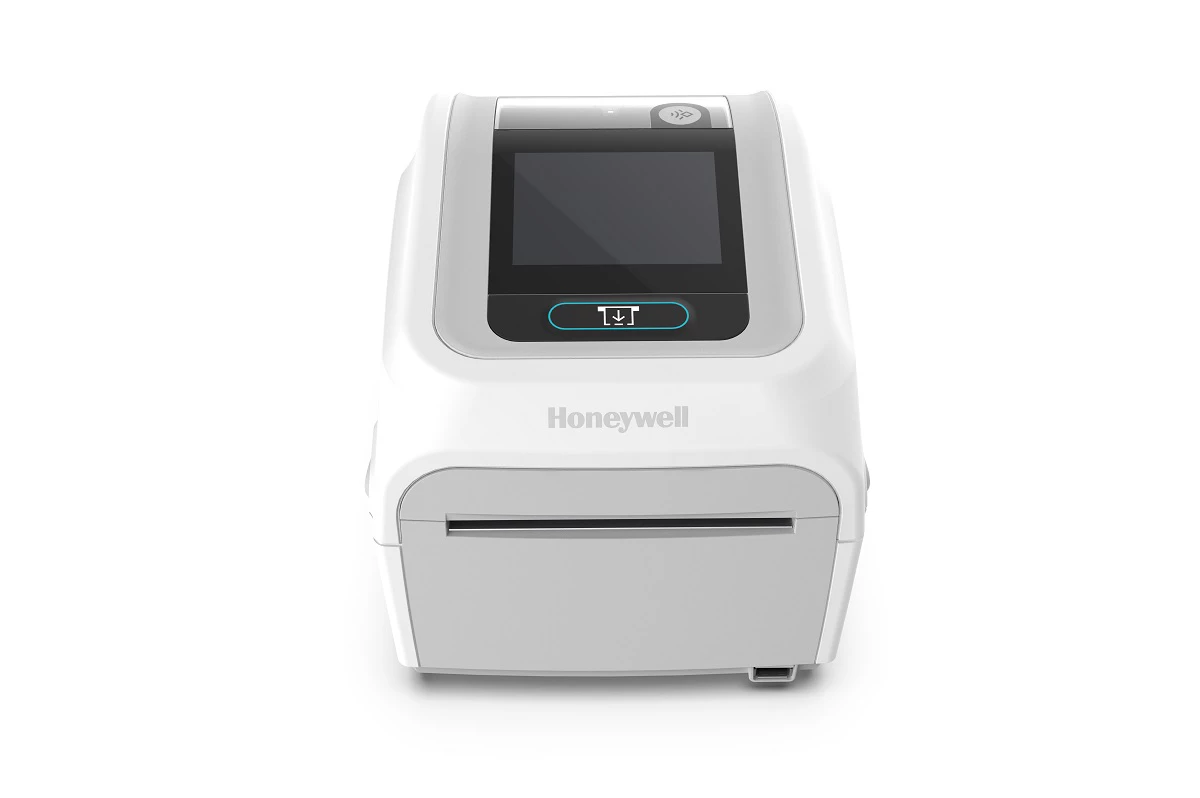
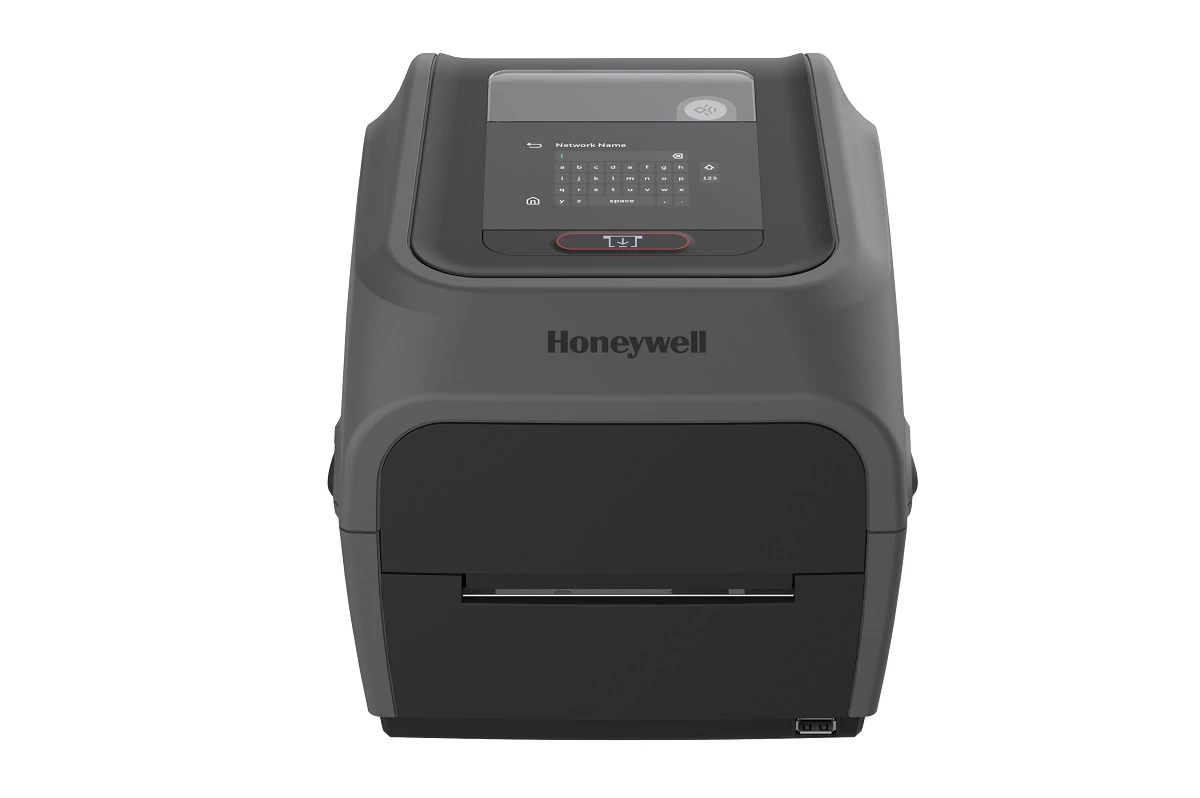
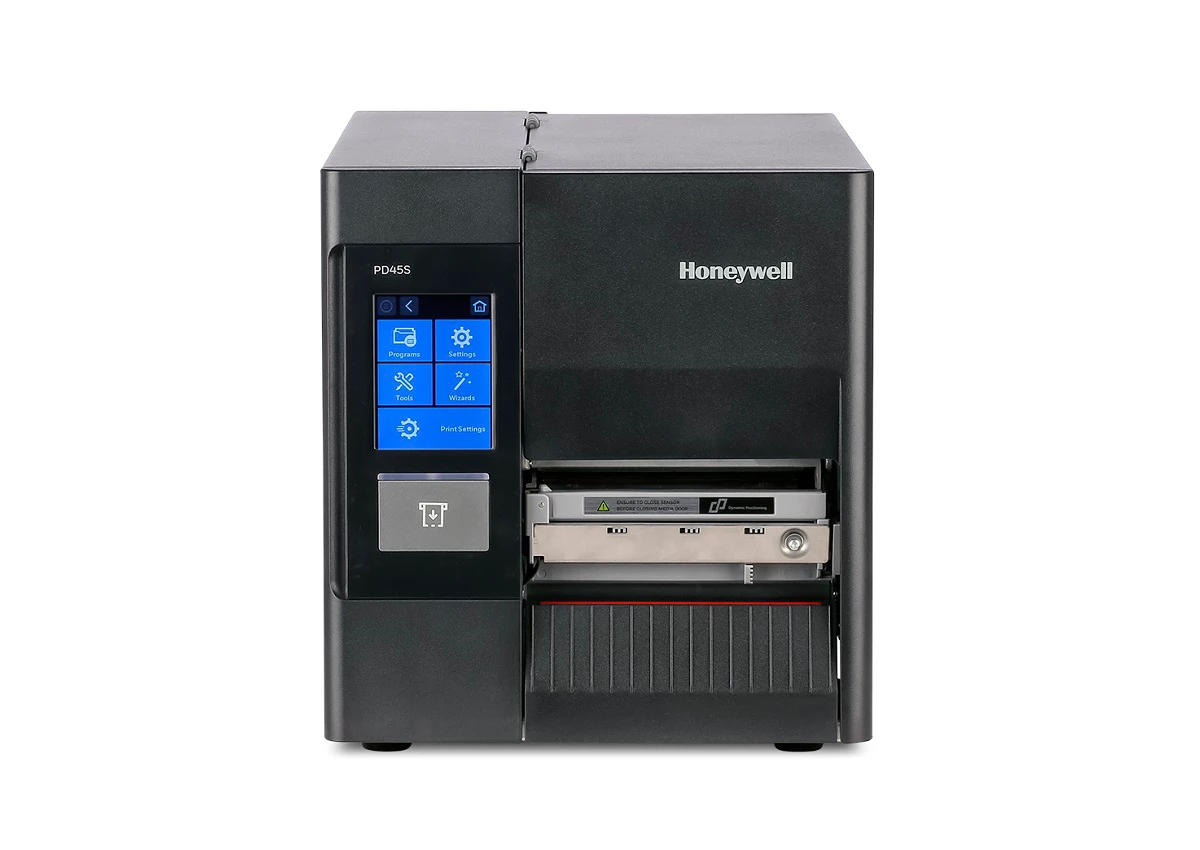
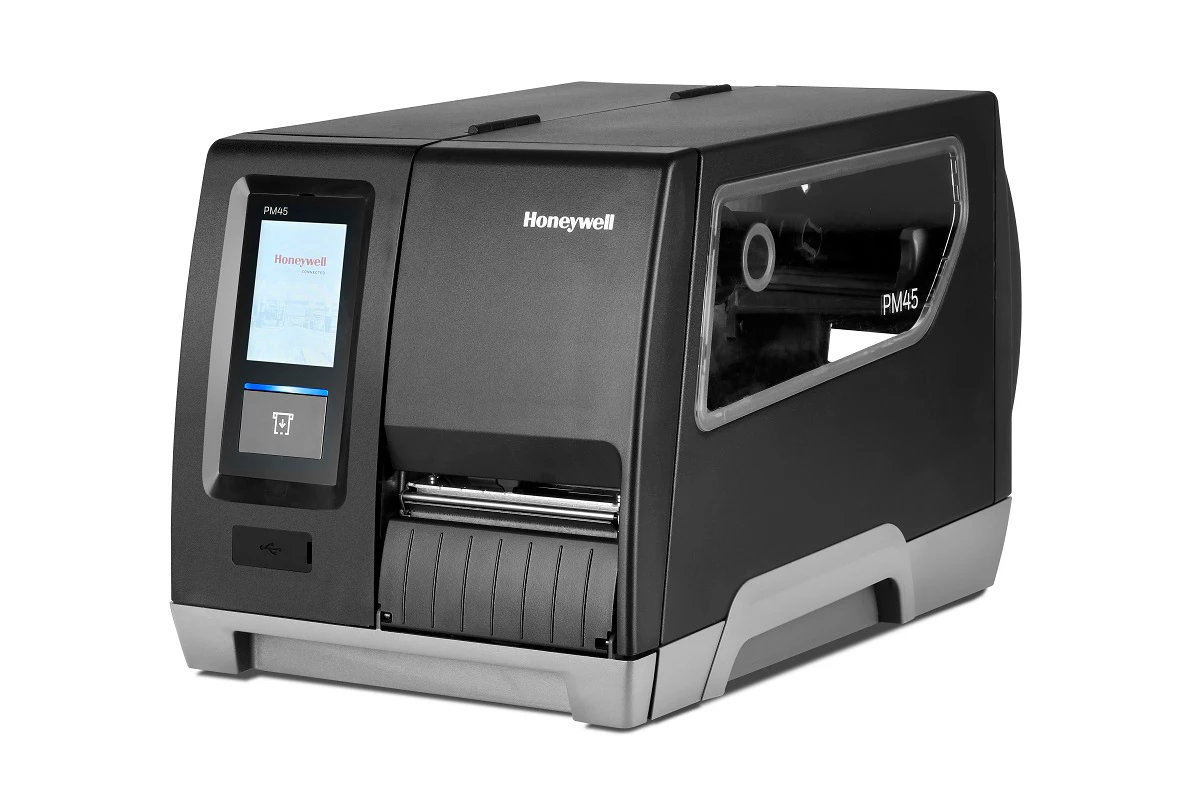
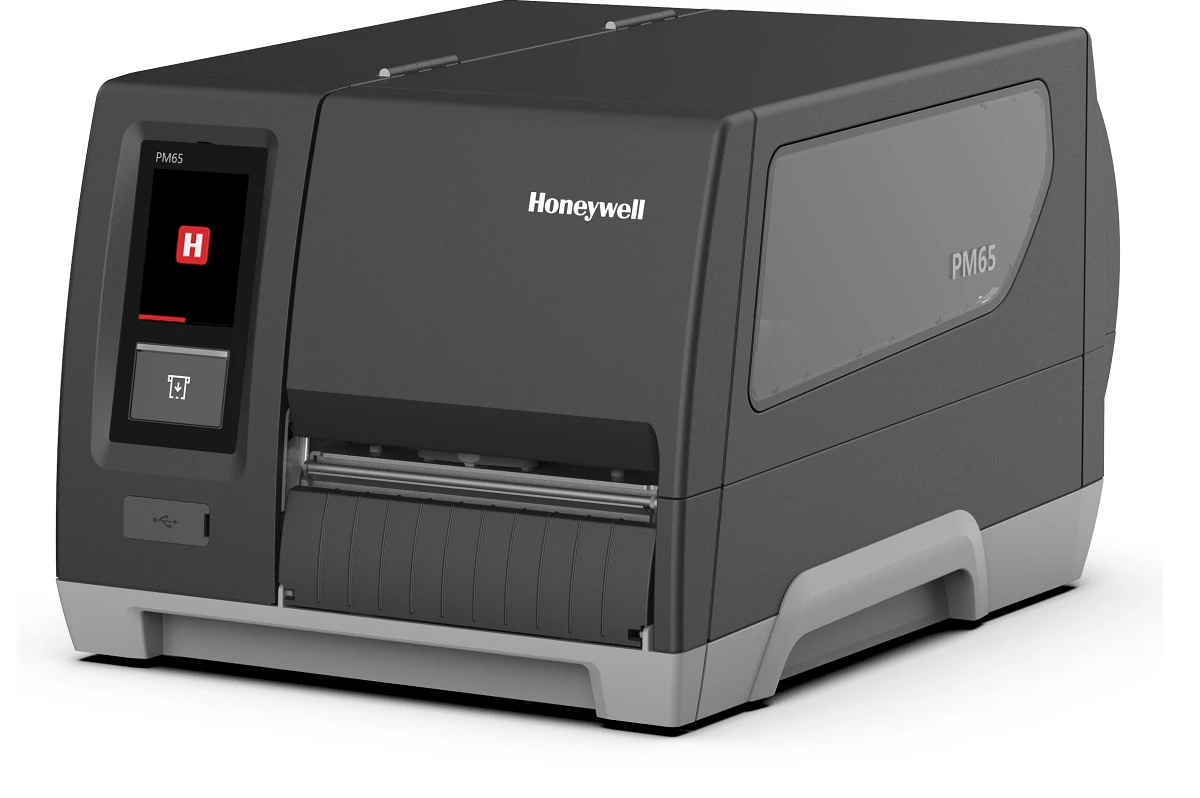
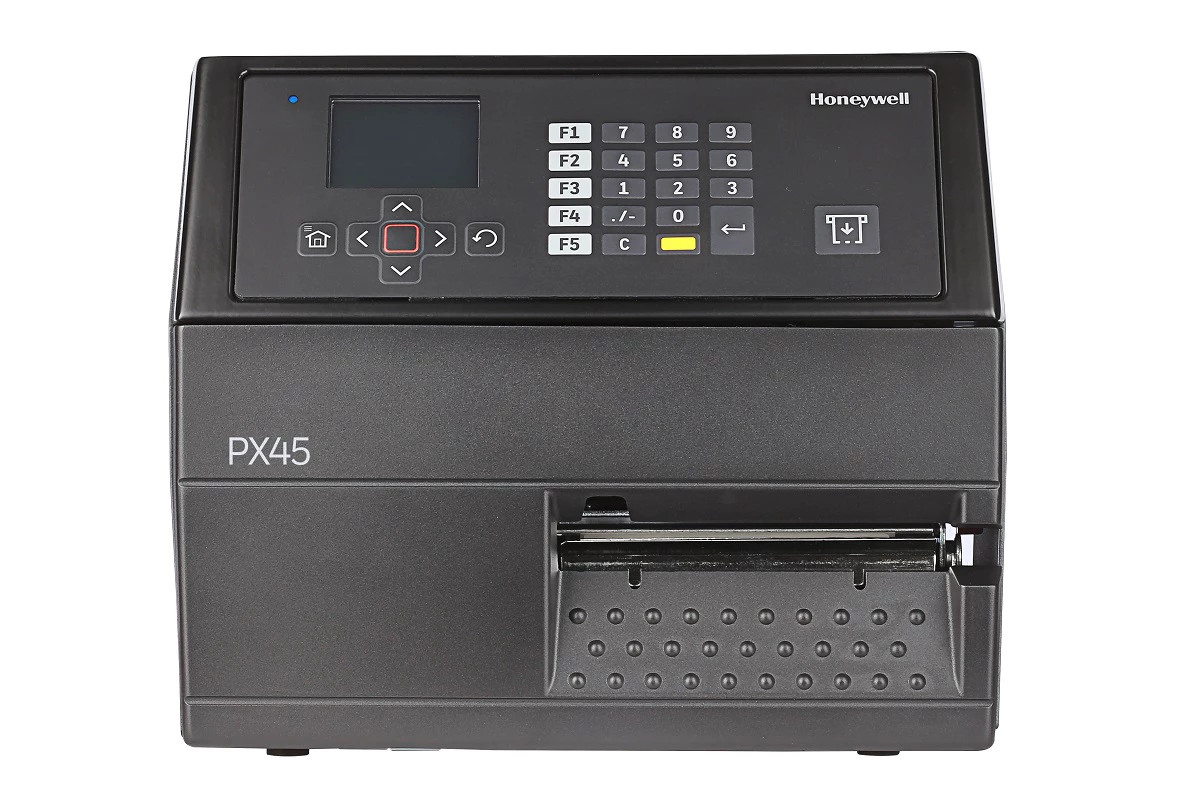
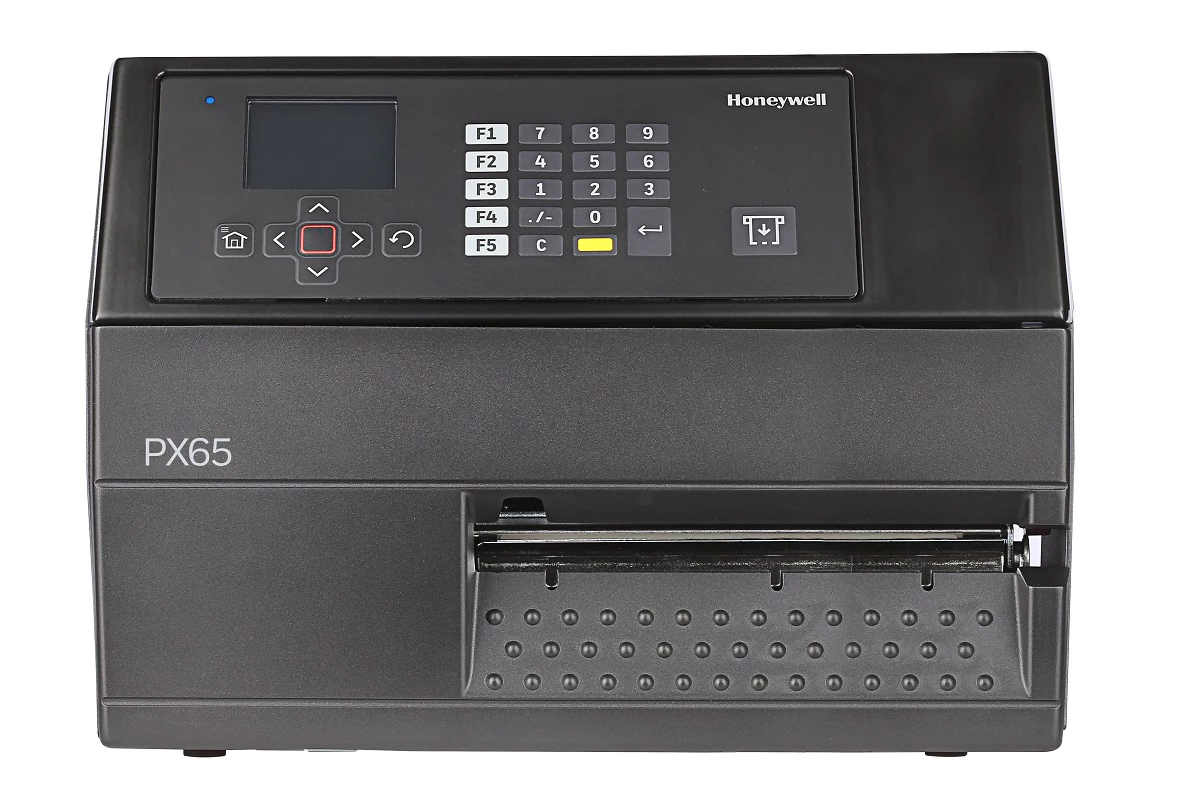
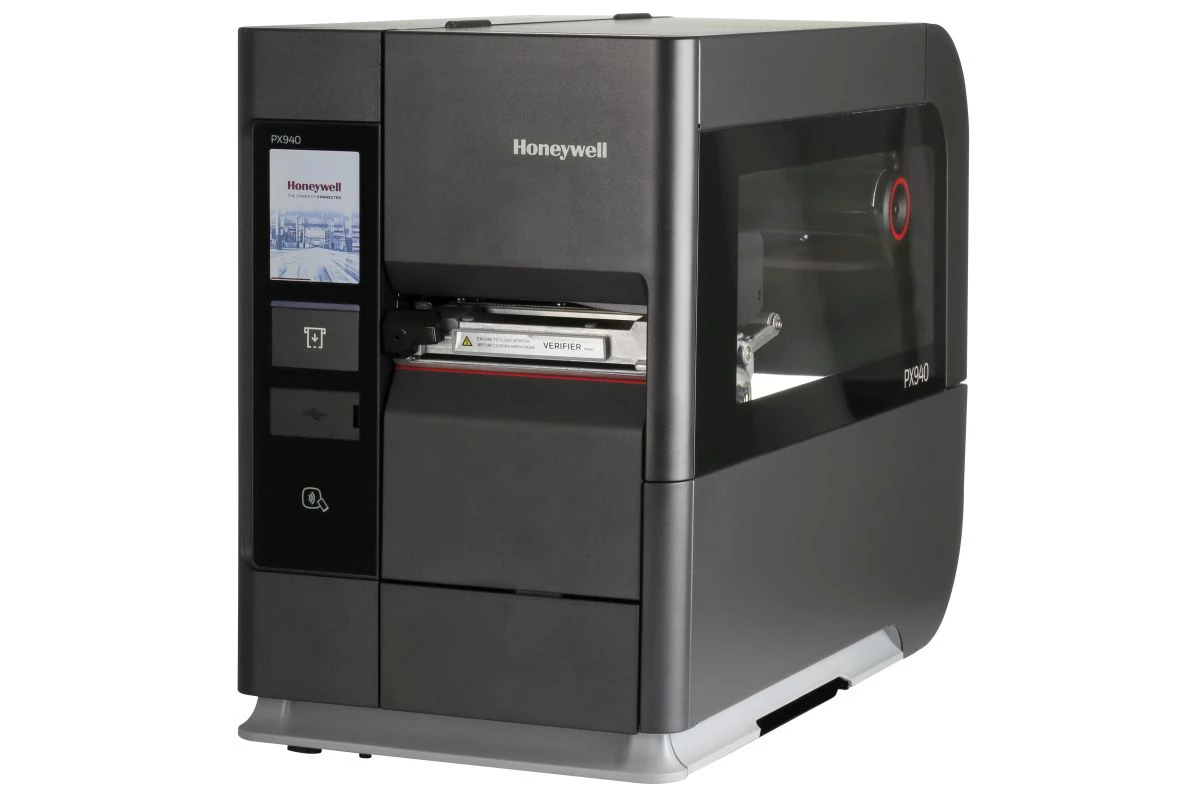
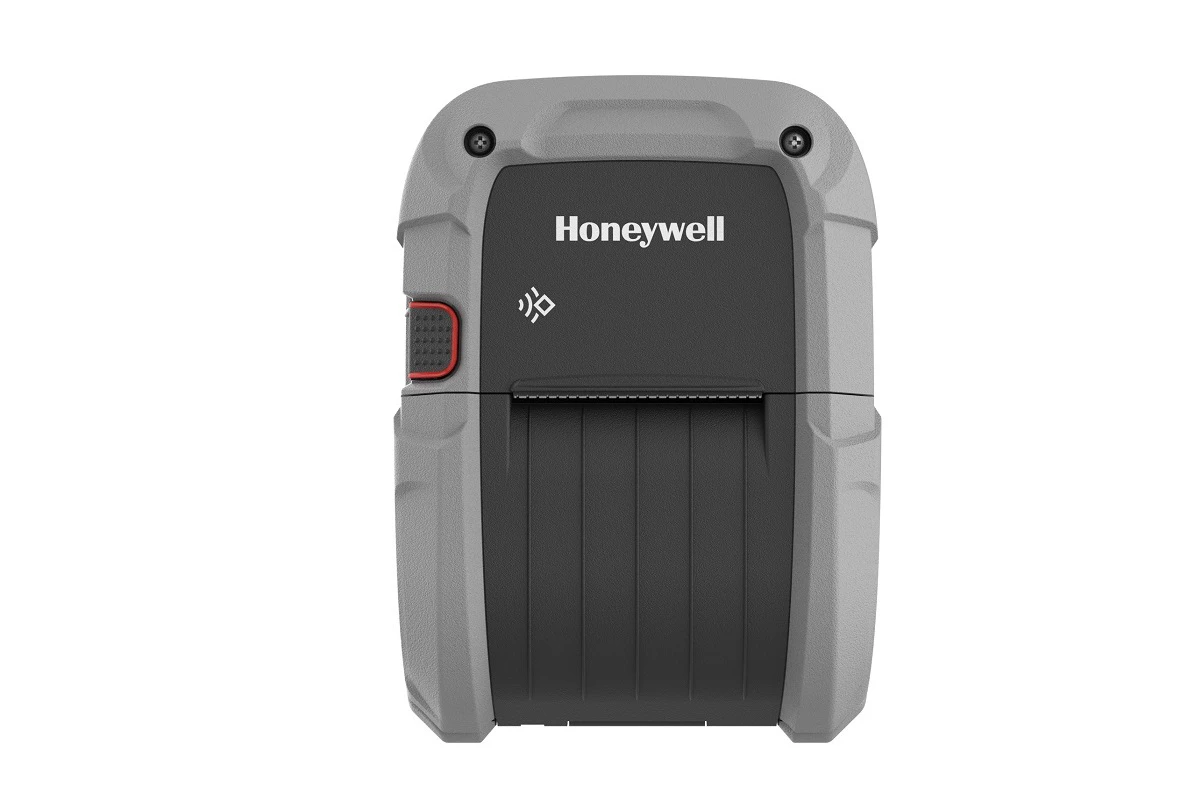
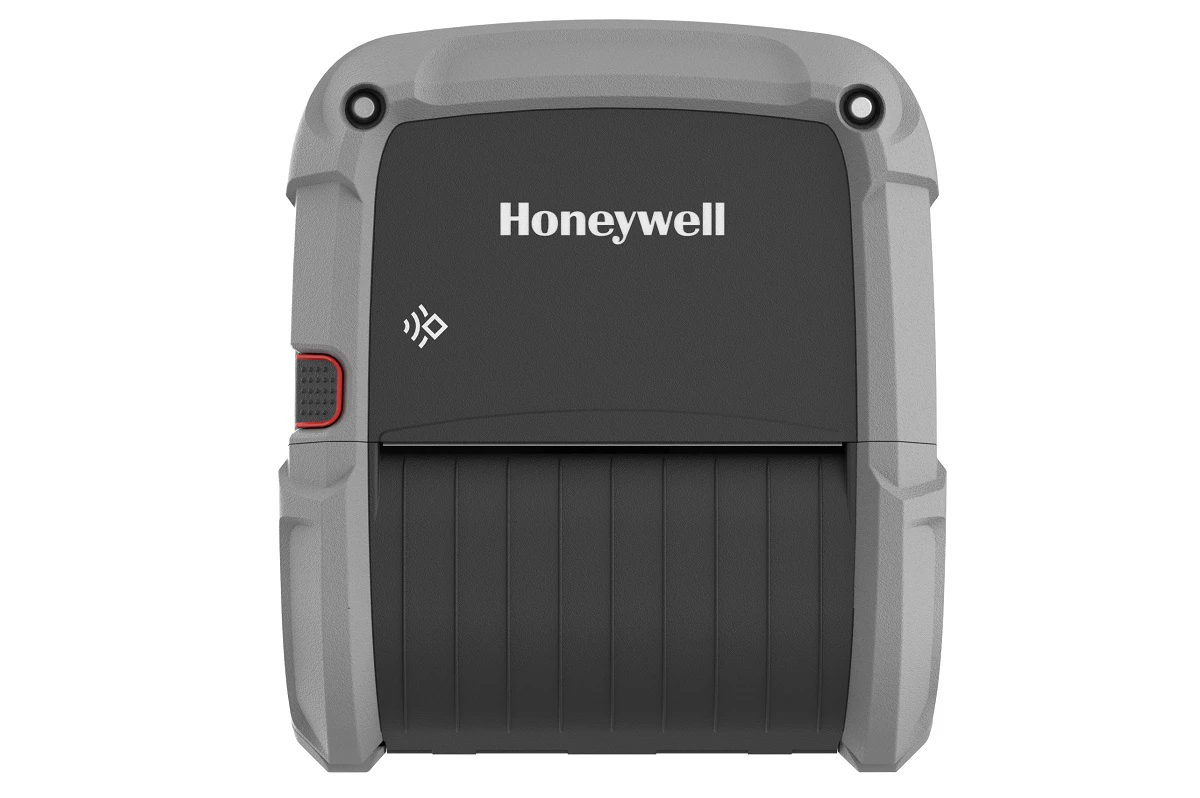
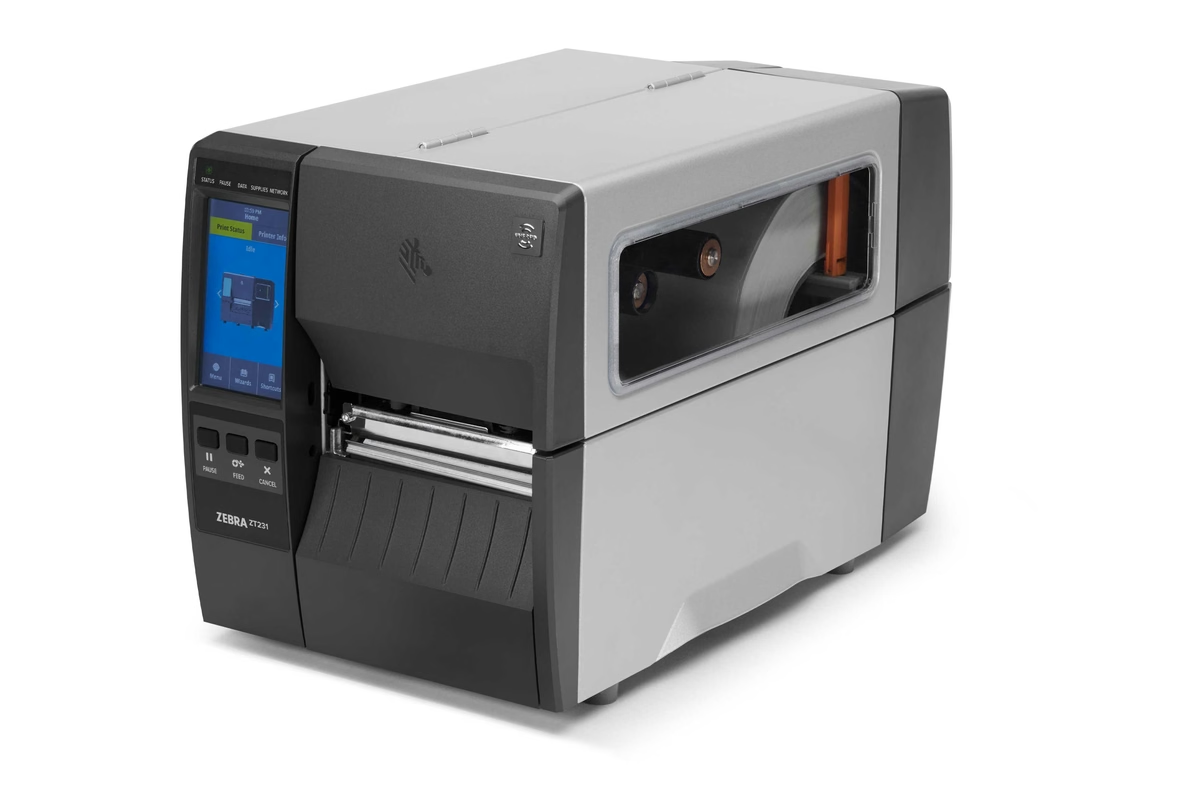
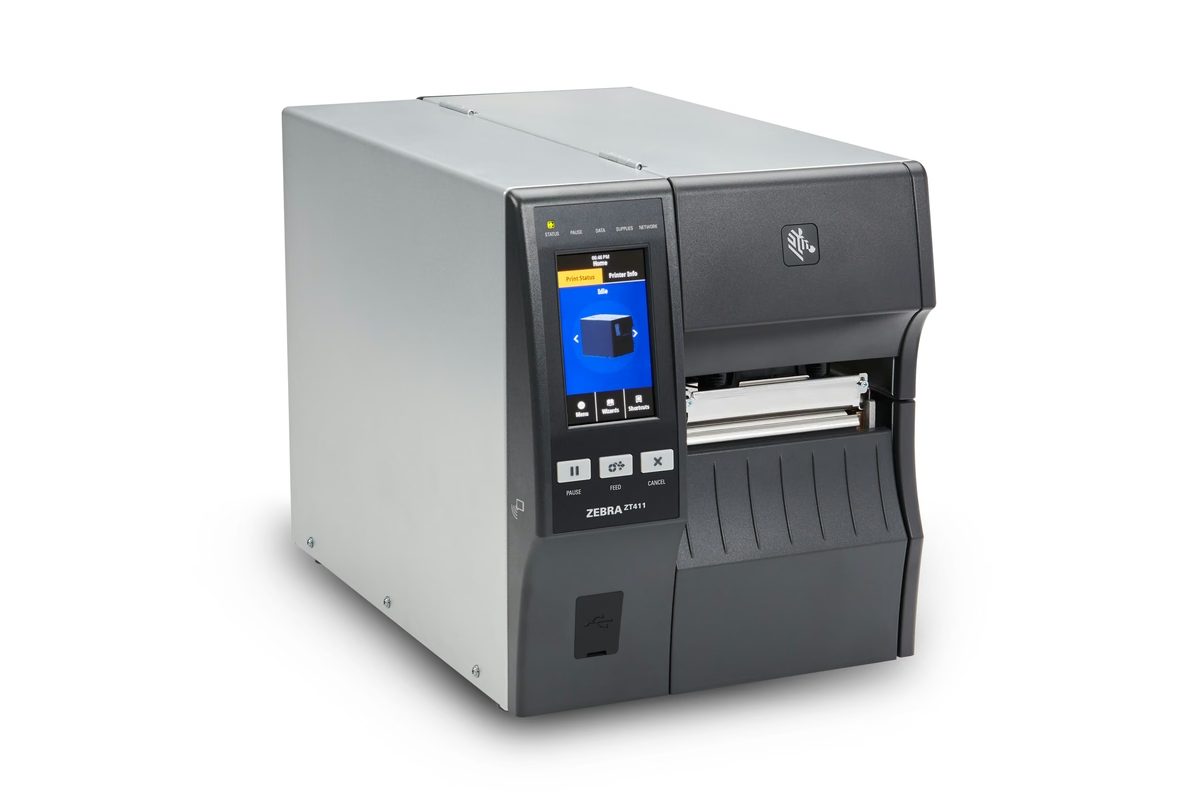
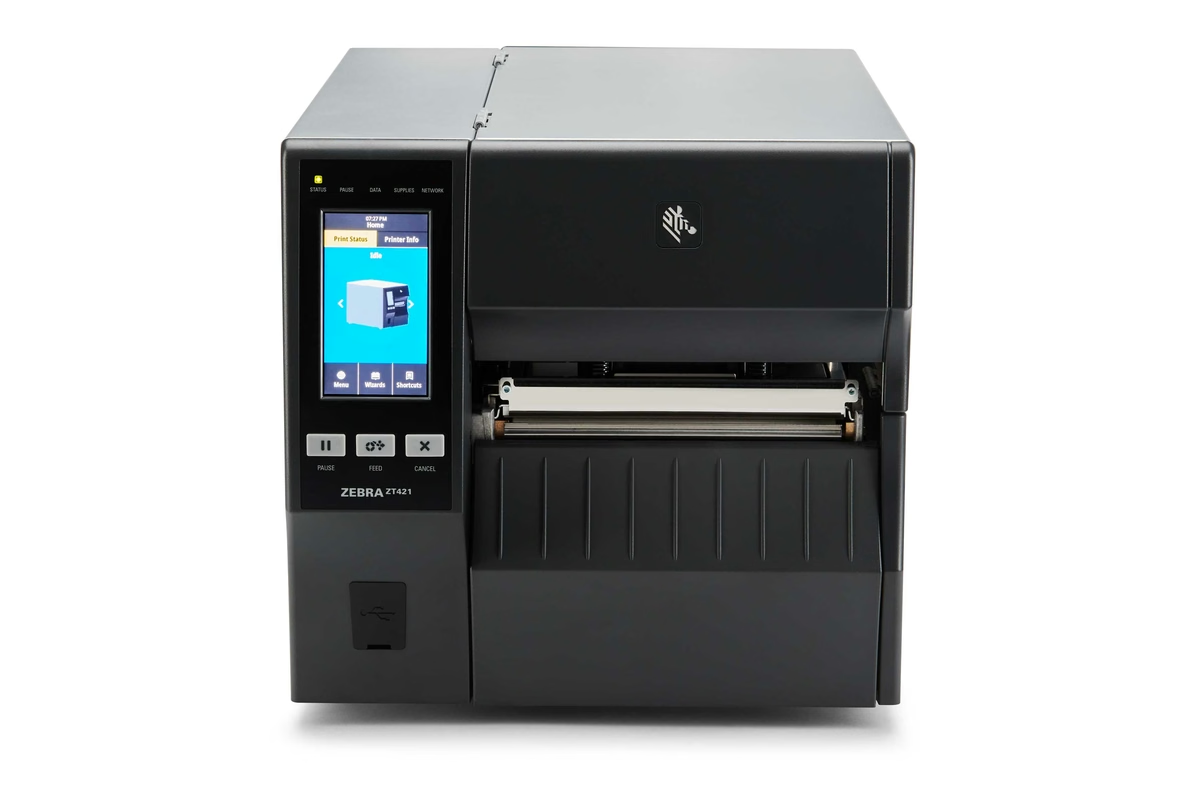
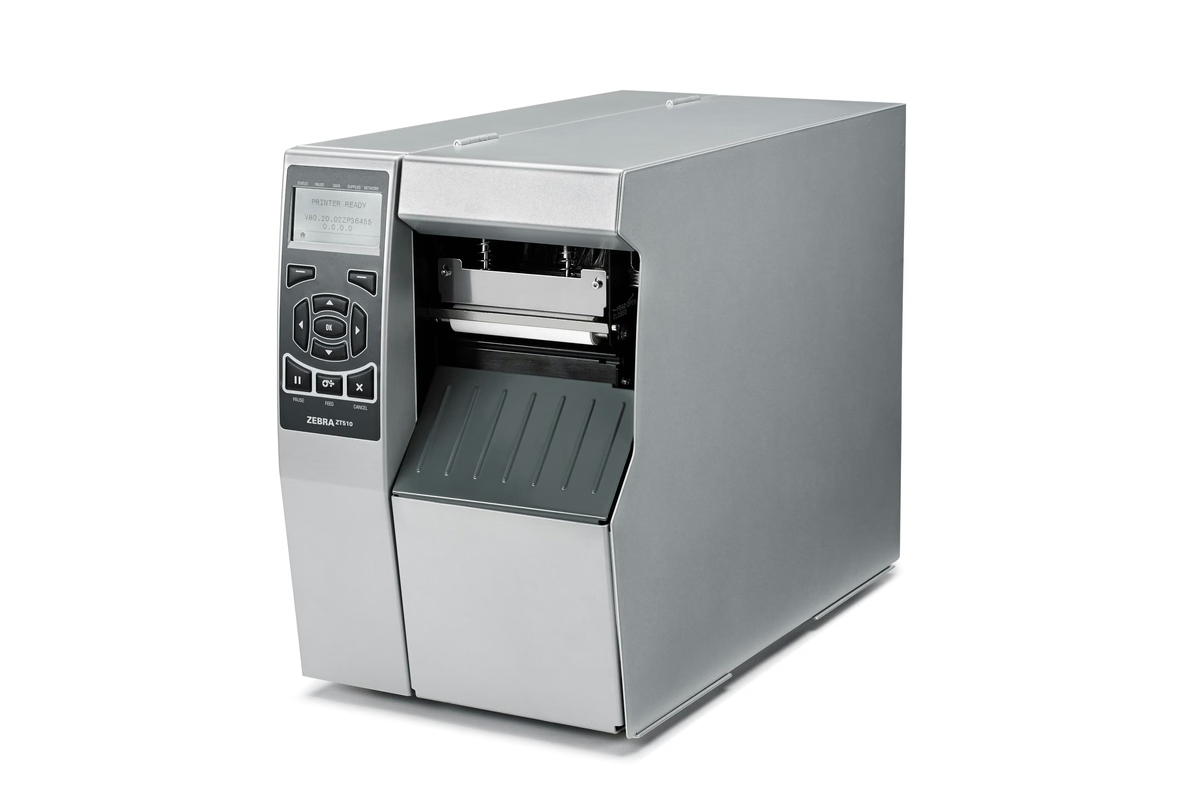
Prefer to browse the range yourself? All forty seven models are below, each with the manufacturer page its figures came from.
Still not sure which printer fits?
The advisor narrows the field. A specialist settles it, usually by asking about the two things a form cannot see: the label that has to come off this printer, and what the last one did wrong.
Forty seven models, four manufacturers
Every printer we specify, supply and service. Each figure below was checked against the manufacturer's own page, and the date is on the record.